By Ponchokings
Age Simulator codes
No working codes listed right now. Check the latest updates below.
Working codes
Updated November 20, 2026
No working codes right now
Check back for new developer releases, or submit a code if you found one.
How to redeem codes in Age Simulator
- Launch Age Simulator on Roblox.
- Look for a Codes, Shop or settings button — usually on the side of the screen.
- Paste the code exactly as shown above. Codes are case-sensitive.
- Press redeem to claim your reward.
Codes may expire or require a certain level. If one fails, check the spelling and any in-game requirements.
Found a code we're missing?
Submit it and we'll verify it before it goes live.
About Age Simulator
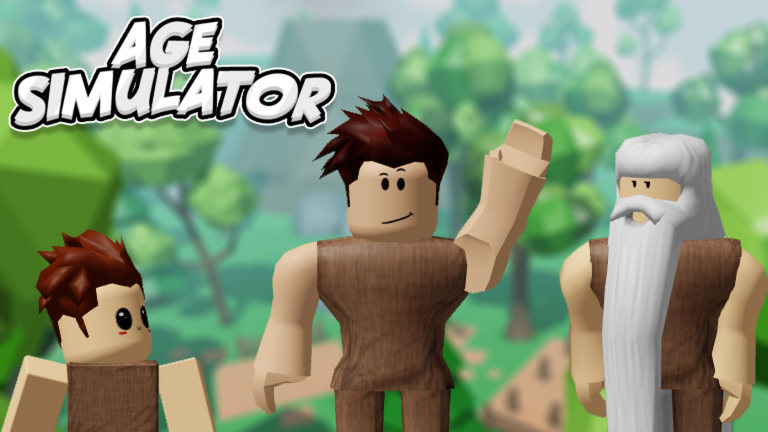
Welcome to Age Simulator! Instead of leaving a dislike, let me know what we can do better in the group! 👍 You age 1 year every 60 seconds! Game just released so expect bugs and frequent updates! More Areas coming soon! Controls: Q / X - Punch E / Y - Kick R / LB - Rest T / RB - Sit Shift / B - Run / Walk Train or fight others to gain exp and get stronger! Age up as time goes by! Protect your family and fight to be the strongest survivor! Remember to leave a like and favorite if you enjoy! Latest Updates: - Added Pyramid Zone and Tree House - Added Age Save - Fixed Bugs Have suggestions? Post them in my group: https://www.roblox.com/groups/8202816
Comments (0)
Share a tip, ask a question, or tell other players which codes worked.
No comments yet. Be the first to share a tip or ask a question.