![outfit maker [custom UGC]](https://tr.rbxcdn.com/180DAY-af8a617ee178ef8fb67a5a7c7063ef4b/512/512/Image/Png/noFilter)
by Plaything Games
outfit maker [custom UGC] Codes
Working outfit maker [custom UGC] Codes
Last updated October 5, 2026
No working codes right now
We're tracking outfit maker [custom UGC] and will list codes here the moment the developers release them. If you spot one first, send it our way below.
How to redeem codes in outfit maker [custom UGC]
- Launch outfit maker [custom UGC] on Roblox.
- Look for a Codes, Shop or settings button — usually on the side of the screen.
- Paste the code exactly as shown above. Codes are case-sensitive.
- Press redeem to claim your reward.
Codes expire without warning — if one fails, it was almost certainly pulled by the developer.
Found a code we're missing?
Submit it and we'll verify it before it goes live.
About outfit maker [custom UGC]
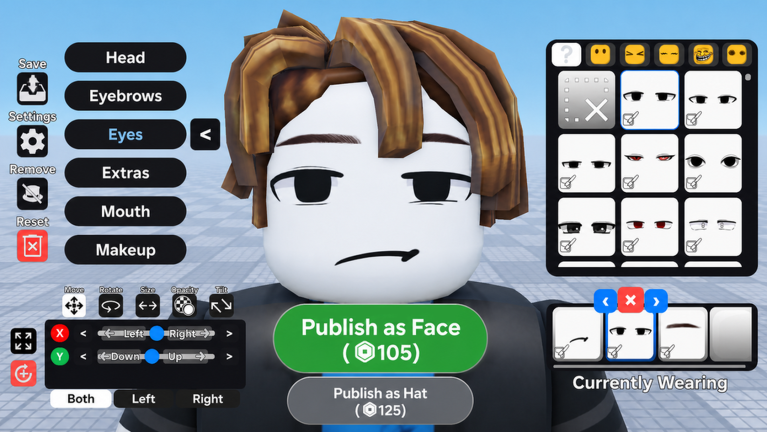
👍 Leaving a like is the best way to support the game ✨ NEWEST UPDATE: • 👤 OUTFITS! You can publish & discover full avatar looks now • 🕺New emotes button allows you to quickly test emotes, sync with friends and adjust the emote options such as speed! • 🎨Recolorable items added directly to the store! • 🖌️ You can test our paint tool in beta to draw your own faces! • 💬 Custom chat bubble UGC! 🎨 Shop the Roblox Avatar Catalog to find the perfect outfit for your avatar! Use custom UGC creator tools to design your very own items! 🌐 Any items you create can be uploaded and worn anywhere on Roblox 🖌️Create custom UGC in the marketplace including: - Custom Chain Necklaces - 2D face masks - 3D Clothing - Custom color accessories such as hair, hats, glasses & more! - UGC combos where you can save R$ making complete looks! ⚠️ This game is in BETA! (I'm just saying that so you can't complain about any bugs)