By Berezaa Games Live
Azure Mines codes
No working codes listed right now. Check the latest updates below.
Working codes
Updated November 20, 2026
No working codes right now
Check back for new developer releases, or submit a code if you found one.
How to redeem codes in Azure Mines
- Launch Azure Mines on Roblox.
- Look for a Codes, Shop or settings button — usually on the side of the screen.
- Paste the code exactly as shown above. Codes are case-sensitive.
- Press redeem to claim your reward.
Codes may expire or require a certain level. If one fails, check the spelling and any in-game requirements.
Found a code we're missing?
Submit it and we'll verify it before it goes live.
About Azure Mines
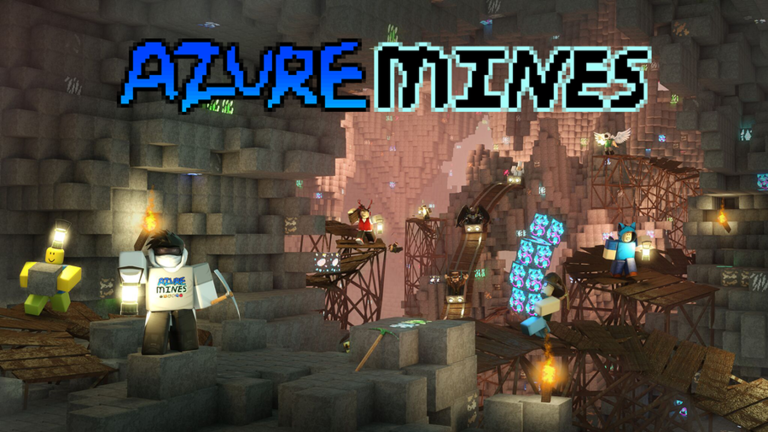
You're in charge of restoring an old mining facility back to its former glory. Use the ore you uncover in the Azure Mines to rebuild your base. In this unique tycoon & mining game hybrid, all of your progress saves and loads automatically. Featuring responsive Xbox controls, this lightweight game ensures a smooth experience regardless of where you're playing it. Massive randomly-generated caves, tons of detailed hand-designed ore, a unique tycoon element, a robust building system and an integrated level progression sets Azure Mines far apart from previous mining games on Roblox. See for yourself! [Open Source] Want to make your own game like this? Use the Infinite Mining Game Kit to get started in minutes! No scripting knowledge required. https://www.roblox.com/library/4920625917/Infinite-Mining-Game-Kit-by-berezaa
Comments (0)
Share a tip, ask a question, or tell other players which codes worked.
No comments yet. Be the first to share a tip or ask a question.