Working Make an Error Codes
Last updated August 21, 2026
No working codes right now
We're tracking Make an Error and will list codes here the moment the developers release them. If you spot one first, send it our way below.
How to redeem codes in Make an Error
- Launch Make an Error on Roblox.
- Look for a Codes, Shop or settings button — usually on the side of the screen.
- Paste the code exactly as shown above. Codes are case-sensitive.
- Press redeem to claim your reward.
Codes expire without warning — if one fails, it was almost certainly pulled by the developer.
Found a code we're missing?
Submit it and we'll verify it before it goes live.
About Make an Error
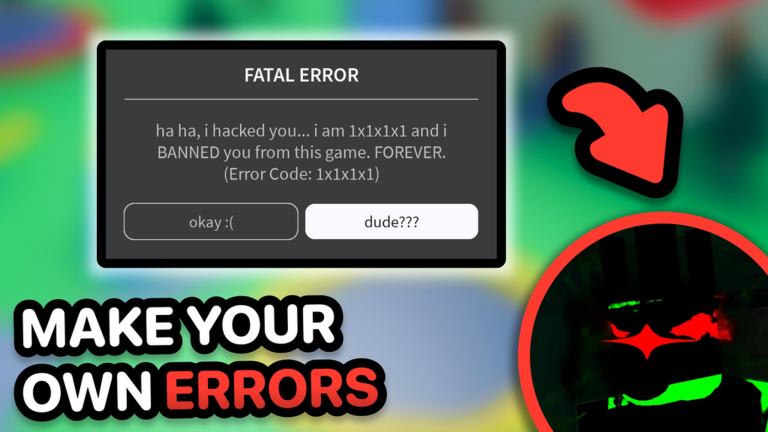
😵 Welcome to Make an Error! (formerly Untitled Error Creator) Type anything, style it your way, fool your friends, or just be funny! ⚙️ HOW TO MAKE AN ERROR: • Click the Create Error button at the bottom • Fill in your title, message, code, and buttons • Hit the blue Play button to see it in action! 🎨 HOW TO SWITCH ERROR STYLES: • Press Create Error • At the bottom right, click the Styles button • Choose your favorite look, like our brand new Ban style! • Swap styles anytime to test them all out! ✨ FEATURES: • 🔠 Custom titles • 💬 Editable messages • ⚠️ Fake error codes • ☑️ Button text editing • 👥 Share with other players • 💾 Save and load your errors anytime 🎉 Updates, events & more in the group! JOIN HERE: https://www.roblox.com/communities/35492849/Little-Plane#!/about 👍 LIKE + FAVORITE if you enjoy the game! 📢 Invite your friends and create errors together!