By Easy.gg
BedWars codes
No working codes listed right now. Check the latest updates below.
Working codes
Updated November 19, 2026
No working codes right now
Check back for new developer releases, or submit a code if you found one.
How to redeem codes in BedWars
- Launch BedWars on Roblox.
- Look for a Codes, Shop or settings button — usually on the side of the screen.
- Paste the code exactly as shown above. Codes are case-sensitive.
- Press redeem to claim your reward.
Codes may expire or require a certain level. If one fails, check the spelling and any in-game requirements.
Found a code we're missing?
Submit it and we'll verify it before it goes live.
About BedWars
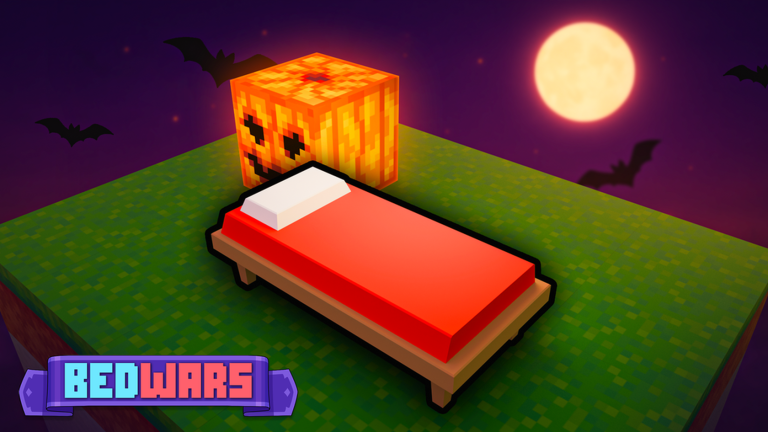
🔥🔥 Updates are every FRIDAY at 3:00pm PDT, 6:00pm EDT 🔥🔥 🎮 Dive into over 10+ thrilling modes like Bed Wars, Lucky Block, SkyWars, Infected, and more! ✨ Explore and craft your own games in Creative mode with optional scripting support! Let your imagination run wild! 👋 HOW TO PLAY Bed Wars: 📡 Press the "Play" button in the Lobby to find a game 🛌 Protect your bed. Once it's gone, you can no longer respawn! 💎 Gather resources to purchase items and team upgrades 🏹 Destroy enemy beds and eliminate players to win the game! 🖥️ PC CONTROLS: Hotkeys are customizable in settings [Shift]: Sprint [E]: Open Inventory [H]: Drop item [G]: Ping [TAB]: Open scoreboard [Ctrl]: Lock camera [T]: Use Emote Wheel [F1]: Toggle picture mode 📱MOBILE CONTROLS Button position & sizing is customizable in settings ✌️ Easy
Comments (0)
Share a tip, ask a question, or tell other players which codes worked.
No comments yet. Be the first to share a tip or ask a question.