By Arkverse-minigame
Blight Grab codes
No working codes listed right now. Check the latest updates below.
Working codes
Updated November 20, 2026
No working codes right now
Check back for new developer releases, or submit a code if you found one.
How to redeem codes in Blight Grab
- Launch Blight Grab on Roblox.
- Look for a Codes, Shop or settings button — usually on the side of the screen.
- Paste the code exactly as shown above. Codes are case-sensitive.
- Press redeem to claim your reward.
Codes may expire or require a certain level. If one fails, check the spelling and any in-game requirements.
Found a code we're missing?
Submit it and we'll verify it before it goes live.
About Blight Grab
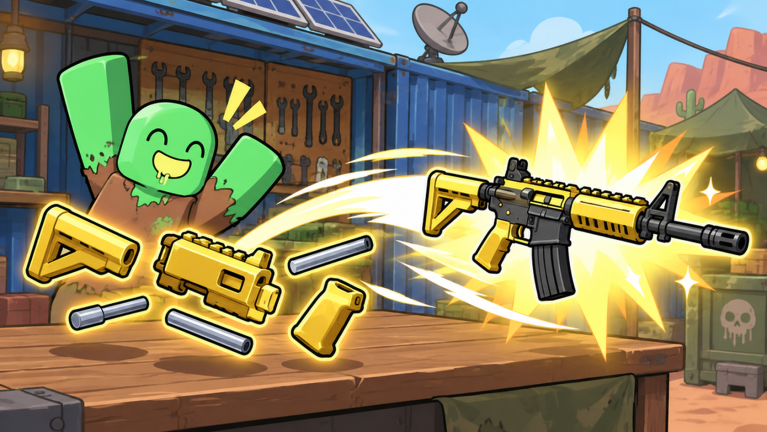
Loot. Fight. Extract. Explore zombie-infested zones, escape with valuable loot, or compete in ranked battles. 🧟 Fight zombies and powerful bosses 🎒 Find rare loot and extract alive ⚔️ Ranked battles from 1v1 to 5v5 🔫 Collect, upgrade, and trade gear 🤝 Play solo or squad up with friends 💀 Die before extraction and risk losing your loot 🖥️ PC Controls: Switch Weapons — Q Crouch — C Sprint — Shift Slide — Ctrl Inspect Weapon — J Open Map — M Open Backpack — Tab Skill Slots — G / V 🎮 Controller: Shoot — R2 / RT Aim — L2 / LT Reload — X / □ Switch Weapons — Y / △ Sprint — L1 / LB Crouch — R1 / RB Slide — B / ○ Open Map — D-Pad Down Open Backpack — D-Pad Up 📱 Mobile: Use the on-screen buttons. Customize controls and sensitivity in Settings. 👍 Like and favorite for more updates! 🐛 Found a bug? Let us know in our community. Tags: Extraction Shooter, FPS, PvP, Zombies, Loot, Multiplayer, Survival
Comments (0)
Share a tip, ask a question, or tell other players which codes worked.
No comments yet. Be the first to share a tip or ask a question.