By Alon's Studio
Block Tycoon codes
No working codes listed right now. Check the latest updates below.
Working codes
Updated November 20, 2026
No working codes right now
Check back for new developer releases, or submit a code if you found one.
How to redeem codes in Block Tycoon
- Launch Block Tycoon on Roblox.
- Look for a Codes, Shop or settings button — usually on the side of the screen.
- Paste the code exactly as shown above. Codes are case-sensitive.
- Press redeem to claim your reward.
Codes may expire or require a certain level. If one fails, check the spelling and any in-game requirements.
Found a code we're missing?
Submit it and we'll verify it before it goes live.
About Block Tycoon
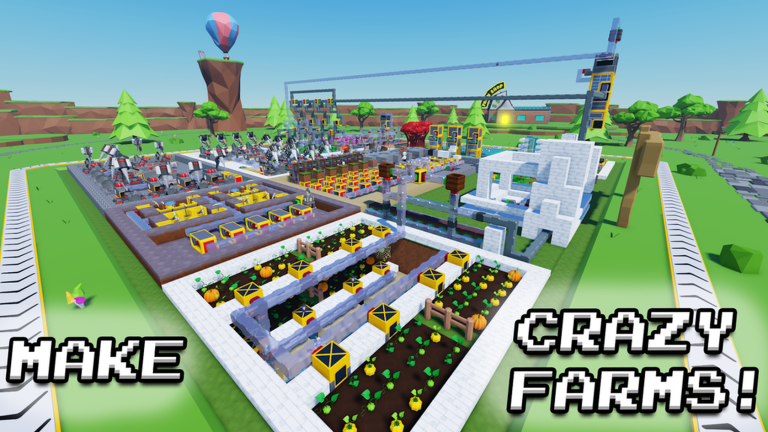
Create your own Tycoon that generates many different items including: Blocks, Trees, Crops, and more! Sell them to make money so you can build crazy bases and ever crazier farms! The only limit is your imagination! Good luck! Build ⛏️ Farm 🚜 EARN CASH 💰💰💰 Did you like the game? Then please leave a Like (👍) and Favorite(🌟) . Thanks! Special Controls: Q - Drop Item Q Hold - Drop Item Stack Mouse Middle Click - Select Block Latest Update: Blueprints! Blueprints, fast pipes, & more! Past Updates: TECH TREE ANIMALS OVERCLOCKING REVIVAL TECH UPDATE FISHING & AQUARIUMS BEE UPDATE NOTE BLOCKS RUBY UPDATE HOLIDAY EVENT CREATIVE MODE MORE TNT TEA UPDATE DIAMONDS MORE LASERS MEGA TREES GOLD UPDATE PUBLISH PLOTS WINTER HOLIDAYS HALLOWEEN EVENT COWS ITEM PIPES BERRY UPDATE FIRE CRYSTAL TNT UPDATE IRON UPDATE DRILL & TECH UPDATE LASERS FRIENDS & FURNITURE FRUIT TREE UPDATE COMPRESSION UPDATE COLORED GLASS UPDATE AQUASTONE UPDATE MUSHROOM UPDATE BUILDERS UPDATE
Comments (0)
Share a tip, ask a question, or tell other players which codes worked.
No comments yet. Be the first to share a tip or ask a question.