By minecraftpowers956
Bounty Ball codes
No working codes listed right now. Check the latest updates below.
Working codes
Updated November 20, 2026
No working codes right now
Check back for new developer releases, or submit a code if you found one.
How to redeem codes in Bounty Ball
- Launch Bounty Ball on Roblox.
- Look for a Codes, Shop or settings button — usually on the side of the screen.
- Paste the code exactly as shown above. Codes are case-sensitive.
- Press redeem to claim your reward.
Codes may expire or require a certain level. If one fails, check the spelling and any in-game requirements.
Found a code we're missing?
Submit it and we'll verify it before it goes live.
About Bounty Ball
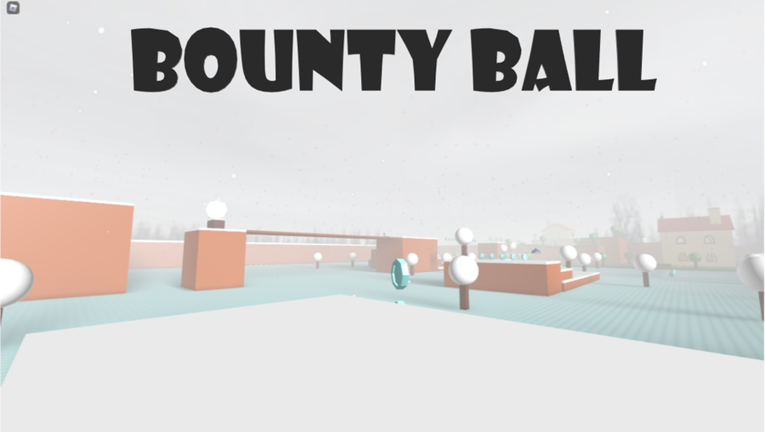
A major issue in the game's datastores has caused all data to not save properly and required a reset. Sorry to those who played for long periods of time and/or had a lot of data saved. The previous issue will not persist with the new saved data. Thank you for your understanding. Players with an active Roblox Premium Subscription or that has previously played the game with an active Roblox Premium Subscription will receive an exclusive hat. (Will be available in your inventory) A unique adventure game about being a ball and collecting bounty while exploring the world. Unlock accessories from the shop and around the map to customize your ball. Become the world's best bounty hunter!
Comments (0)
Share a tip, ask a question, or tell other players which codes worked.
No comments yet. Be the first to share a tip or ask a question.