by Build-A-Bear Entertainment
Build-A-Bear Tycoon Codes
Working Build-A-Bear Tycoon Codes
Last updated August 20, 2026
No working codes right now
We're tracking Build-A-Bear Tycoon and will list codes here the moment the developers release them. If you spot one first, send it our way below.
How to redeem codes in Build-A-Bear Tycoon
- Launch Build-A-Bear Tycoon on Roblox.
- Look for a Codes, Shop or settings button — usually on the side of the screen.
- Paste the code exactly as shown above. Codes are case-sensitive.
- Press redeem to claim your reward.
Codes expire without warning — if one fails, it was almost certainly pulled by the developer.
Found a code we're missing?
Submit it and we'll verify it before it goes live.
About Build-A-Bear Tycoon
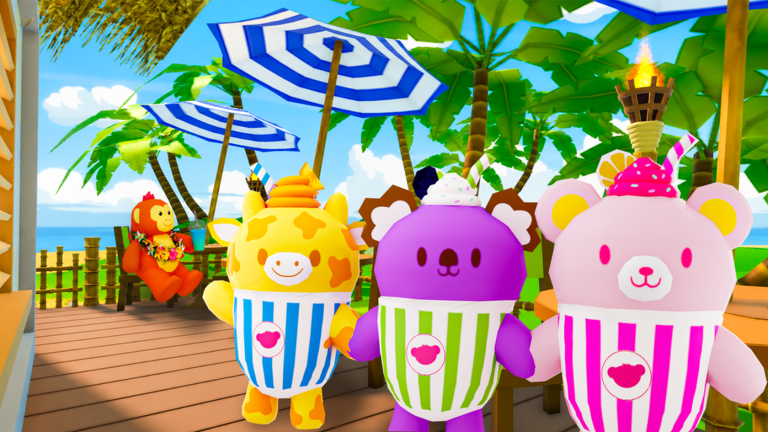
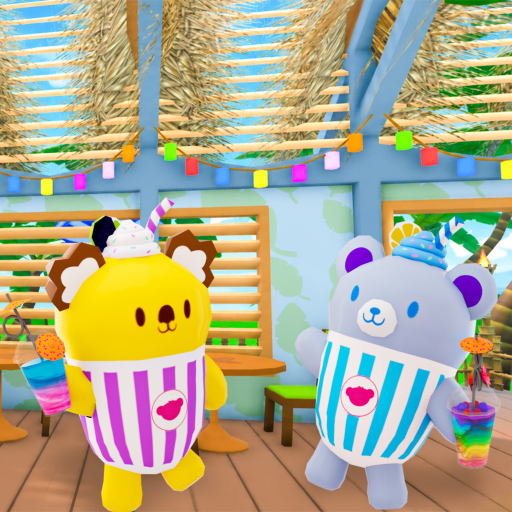
✨ New Update! 🧊 Slushie Plushies have arrived! Discover adorable new Slushie Plushie characters and explore the tropical-themed tycoon. 🥤 Mix, blend, and create your own slushies in the brand new Slushie Making Minigame! 🎀 Customize your Slushie Plushies with fun outfits and accessories to create the perfect look. 🐻👔 Collect and customize your Furry Friends and Slushie Plushies! 🏗 Create your own Build-A-Bear Workshop! 🎮 Available for PC, XBOX, Tablet, and Mobile This is a virtual, fantasy experience, not real life. Furry Friend movements are simulated. Furry Friends cannot stand, move, or hold objects unassisted in real life. Furry Friends and Slushie Plushies are virtual, fantasy creatures made specifically for this game. Products sold in real life will differ. © 2022 Build-A-Bear Workshop, Inc. All Rights Reserved.