by Look At This Pony I Found
Build A Pony! Codes
Working Build A Pony! Codes
Last updated August 21, 2026
No working codes right now
We're tracking Build A Pony! and will list codes here the moment the developers release them. If you spot one first, send it our way below.
How to redeem codes in Build A Pony!
- Launch Build A Pony! on Roblox.
- Look for a Codes, Shop or settings button — usually on the side of the screen.
- Paste the code exactly as shown above. Codes are case-sensitive.
- Press redeem to claim your reward.
Codes expire without warning — if one fails, it was almost certainly pulled by the developer.
Found a code we're missing?
Submit it and we'll verify it before it goes live.
About Build A Pony!
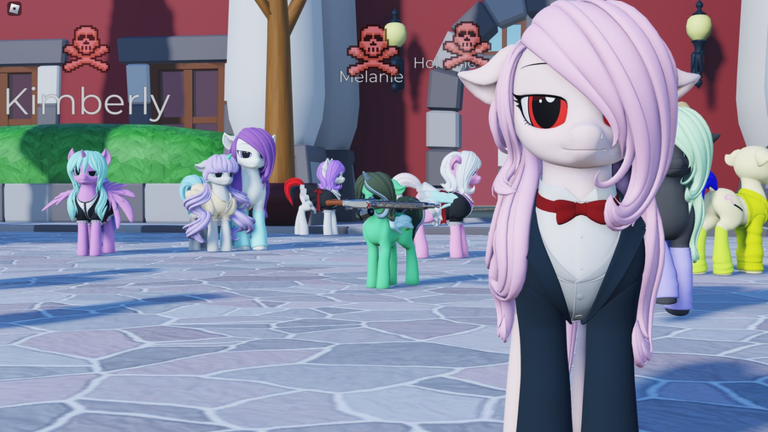
Build A Pony! This is a pony builder I want to show off. - Each individual part of any piece of hair, tail, and clothing can have their colors changed. - The face expressions on your pony can be edited. - Press F to Fly. Space to fly up, Left-Shift to fly down. UGC SYSTEM - You can wear certain types of UGC items and color them. Copy-paste the UGC ID from the marketplace URL. - Click a pony on the nose to give them a UGC item. HOUSING SYSTEM (beta) - Bring builds from Roblox studio with our plugin. - Export builds using f3x / btools NOTE: Larger builds will not load after being saved. Have 2 copies of a build and save a build in Studio, just in case. Press R to bark and /dance to dance Screenshot ponies in case game breaks your save slot. If that happens, do /resetmypony and tell us it broke in the server below. Please remember that passes expire. Read the pass's name for the expire time before you buy it.