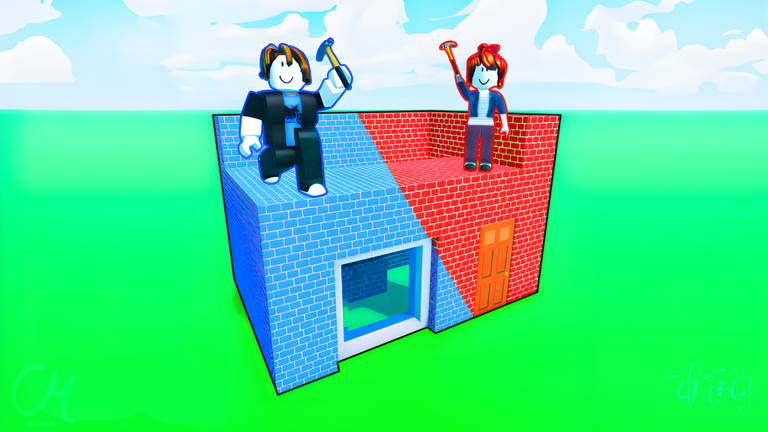
Working Build & Switch Codes
Last updated August 20, 2026
No working codes right now
We're tracking Build & Switch and will list codes here the moment the developers release them. If you spot one first, send it our way below.
How to redeem codes in Build & Switch
- Launch Build & Switch on Roblox.
- Look for a Codes, Shop or settings button — usually on the side of the screen.
- Paste the code exactly as shown above. Codes are case-sensitive.
- Press redeem to claim your reward.
Codes expire without warning — if one fails, it was almost certainly pulled by the developer.
Found a code we're missing?
Submit it and we'll verify it before it goes live.
About Build & Switch
Fun Team Building Game with your Friends 🔨 🧑🤝🧑- Find a friend to BUILD with 🏠- Pick a Theme ⛑️- Take turns building on each others plots! 💖- Vote on each others Builds! Available on PC: 💻, Mobile: 📲, Tablet: 📟, Console: 🎮