By Arcane Rebels
Cascade Piano codes
No working codes listed right now. Check the latest updates below.
Working codes
Updated November 20, 2026
No working codes right now
Check back for new developer releases, or submit a code if you found one.
How to redeem codes in Cascade Piano
- Launch Cascade Piano on Roblox.
- Look for a Codes, Shop or settings button — usually on the side of the screen.
- Paste the code exactly as shown above. Codes are case-sensitive.
- Press redeem to claim your reward.
Codes may expire or require a certain level. If one fails, check the spelling and any in-game requirements.
Found a code we're missing?
Submit it and we'll verify it before it goes live.
About Cascade Piano
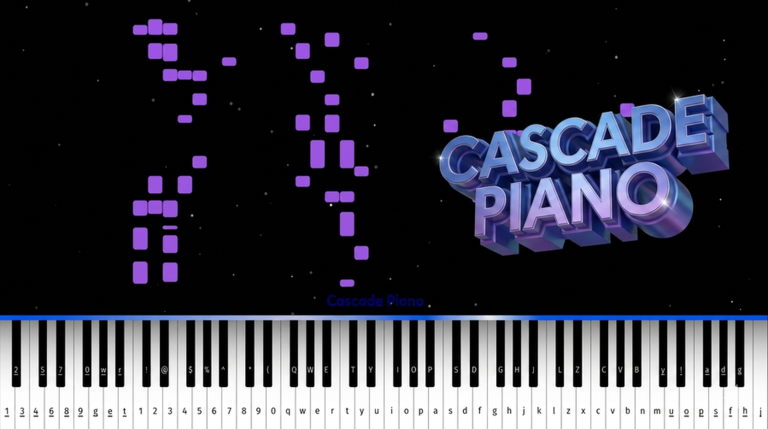
[BETA] Cascade Piano: Music Sheet Practice 🎹 Master your favorite songs under a starry sky! The most advanced practice system and visual experience in Roblox. ✨ FEATURES: 📚 600+ MUSIC SHEETS - Huge library from Classics to Pop! 🎓 PRACTICE MODE - Step-by-step interactive learning system. 🎹 MIDI SUPPORT - Connect your real digital piano/keyboard! 🖼️ FULLSCREEN - Clean, minimalist UI for total focus. 🚀 VISUALS - Colorful flying notes and trails. 🎵 20+ SOUNDFONTS - High-quality Grand Piano, Synths & more. 👥 MULTIPLAYER - Play with friends or in Private Sessions. 🏆 LEADERBOARDS - Top playtime and notes pressed! ⚠️ PC / Laptop recommended (Keyboard + MIDI) Tags: virtual piano, piano, keyboard, midi, music, note, song, cascade, synthesia, piano practice, music sheets, auto-play, piano tutorial, learning
Comments (0)
Share a tip, ask a question, or tell other players which codes worked.
No comments yet. Be the first to share a tip or ask a question.