By GO INSANE GAMES
Chainsaw Tycoon codes
No working codes listed right now. Check the latest updates below.
Working codes
Updated November 20, 2026
No working codes right now
Check back for new developer releases, or submit a code if you found one.
How to redeem codes in Chainsaw Tycoon
- Launch Chainsaw Tycoon on Roblox.
- Look for a Codes, Shop or settings button — usually on the side of the screen.
- Paste the code exactly as shown above. Codes are case-sensitive.
- Press redeem to claim your reward.
Codes may expire or require a certain level. If one fails, check the spelling and any in-game requirements.
Found a code we're missing?
Submit it and we'll verify it before it goes live.
About Chainsaw Tycoon
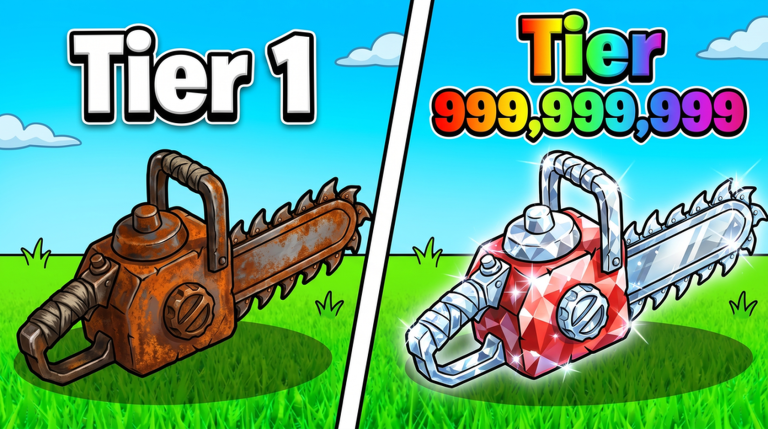
Welcome to Chainsaw Tycoon! 🌲 USE CODE: [CHAINSAW] FOR REWARDS! 🛒 Buy Chainsaws and start your lumber empire! 🪓 Your Chainsaws cut Logs all on their own 💵 Deposit your Logs and convert them into Cash 🌙 Your Chainsaws keep cutting even while you're away! 💰 📊 Climb the global Leaderboards! ✨ Have fun, and Thanks for Playing! If you enjoy the game, don't forget to 👍 Like, ⭐ Favorite and 🔔 Follow! UPDATE 1: 🌲 New Random Log events 🎓 Improved onboarding ⚡ Faster player movement 💾 Improved data saving 📊 Balance and performance changes 🌈 New global effects ⚙️ Bug fixes
Comments (0)
Share a tip, ask a question, or tell other players which codes worked.
No comments yet. Be the first to share a tip or ask a question.