![Climb [1.8.9]](https://tr.rbxcdn.com/180DAY-0d791f2e52bdf207e610fbd962aa23fa/512/512/Image/Png/noFilter)
Working Climb [1.8.9] Codes
Last updated August 21, 2026
No working codes right now
We're tracking Climb [1.8.9] and will list codes here the moment the developers release them. If you spot one first, send it our way below.
Unconfirmed Codes (1)
We have not confirmed these yet. Try one, then use the works / broken buttons — once enough of you agree, it moves up to the working list or gets dropped.
| Code | Reward | Works? | |
|---|---|---|---|
CLIMBOCRACYNew | 1 Key | Did it work? |
How to redeem codes in Climb [1.8.9]
- Launch Climb [1.8.9] on Roblox.
- Look for a Codes, Shop or settings button — usually on the side of the screen.
- Paste the code exactly as shown above. Codes are case-sensitive.
- Press redeem to claim your reward.
Codes expire without warning — if one fails, it was almost certainly pulled by the developer.
Found a code we're missing?
Submit it and we'll verify it before it goes live.
About Climb [1.8.9]
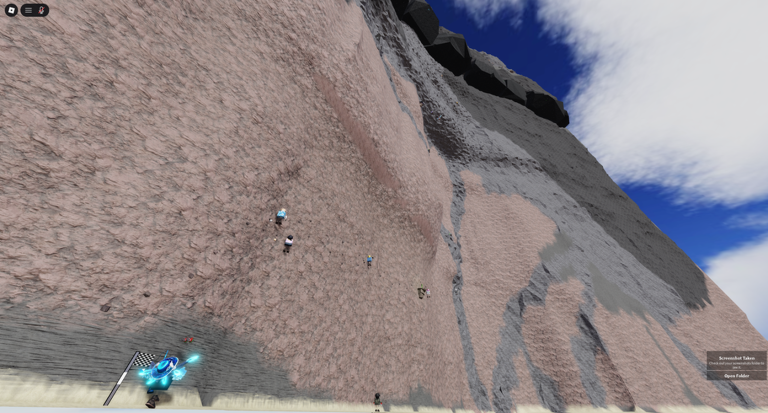
Tips: - Mobile buttons are customizable (tap 🔓 button) and can be rescaled in game settings. - You can teleport between checkpoints you visited during climb session. - Get familiar with available options in the game's settings (⚙ button). - Press C to unlock mouse (enter third person), Press R to return to checkpoint. ! MOTION-SICKNESS WARNING ! Glitches or rapid movement may occur. Immersive action climbing game where you use your hands to grip on rocks or ledges and swing to perform dangerous leaps from rock to rock. PC and good internet recommended. FOUND BUGS? Please explain exactly WHAT bugs you found in your FEEDBACK. Climbing mechanics inspired by Peaks of Yore (game on Steam). 🔍 Tags / Keywords: climb, climbing, first person, immersive, big map, obby, funny moments, challenge, up, multiplayer, realistic climbing sim, difficult, hard, relaxing, Gorilla Tag, hand climb, hands