by Failure Management Association
CONSTRUCT N DEMOLISH Codes
Working CONSTRUCT N DEMOLISH Codes
Last updated August 21, 2026
No working codes right now
We're tracking CONSTRUCT N DEMOLISH and will list codes here the moment the developers release them. If you spot one first, send it our way below.
How to redeem codes in CONSTRUCT N DEMOLISH
- Launch CONSTRUCT N DEMOLISH on Roblox.
- Look for a Codes, Shop or settings button — usually on the side of the screen.
- Paste the code exactly as shown above. Codes are case-sensitive.
- Press redeem to claim your reward.
Codes expire without warning — if one fails, it was almost certainly pulled by the developer.
Found a code we're missing?
Submit it and we'll verify it before it goes live.
About CONSTRUCT N DEMOLISH
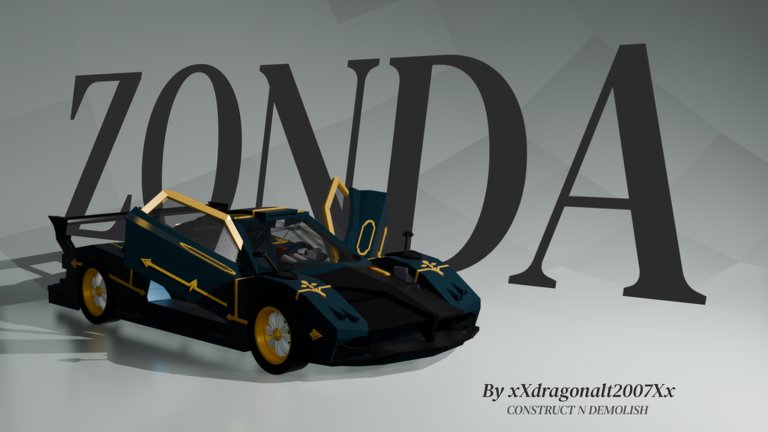
Construct N Demolish (CND) Unofficial continuation of BUILD N DESTROY (BND). Semi-open testing is live. All ages. Build, battle, and demolish on your plot with the most advanced F3X-based building system on Roblox. CUSTOM F3X TOOLS Move: alignment (Center/Face/Plane), Speed Build (R/T rotate, surface snap, Option+drag to copy), nudge by increment • Resize: Stretch to a face, Scale whole selection (/scale <factor>) • Paint: hex colors + recents | legacy + your custom uploaded material variants, collision built in • Insert: MeshParts + searchable special blocks • Assets: decals & meshes | lights, particles & beams • Union: CSG + Bake (meshify builds for performance) • Selection: match color, material, transparency, reflectance, block type, size; select welded assemblies • Gapfill: triangle, quad, auto gap fill • Duplicate: mirror (face/ortho/octagon, /mirror) + array grids • Part Groups: collision groups & welding