By BlockyToby
Court Room codes
No working codes listed right now. Check the latest updates below.
Working codes
Updated November 20, 2026
No working codes right now
Check back for new developer releases, or submit a code if you found one.
How to redeem codes in Court Room
- Launch Court Room on Roblox.
- Look for a Codes, Shop or settings button — usually on the side of the screen.
- Paste the code exactly as shown above. Codes are case-sensitive.
- Press redeem to claim your reward.
Codes may expire or require a certain level. If one fails, check the spelling and any in-game requirements.
Found a code we're missing?
Submit it and we'll verify it before it goes live.
About Court Room
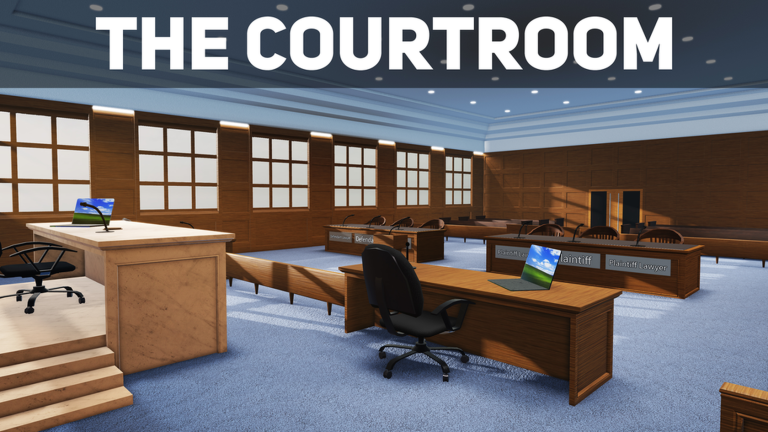
UPDATE: - Added a server selector for public servers. - Added a vote kick system to the judge role (4 players required to start one) - Added a queue for the judge role - Judges no longer lose their role when exiting the judge seat - Protection added around the judge seat so people can not steal the role - Added a "safe chat" that has 10 pre-approved roleplay messages users can send - Added private server controls that allow private server owners to mute, freeze, kick, respawn players and remove players from the judge role. - Modernised and condensed the user interface Welcome to my court room! In this court room you can roleplay as a judge, plaintiff, defendant, lawyers, jury, witness, or be the court clerk! Roles are not forced on users so you are able to choose what roles you want, best played with friends. I hope you guys have fun doing your RP in this courtroom simulator!
Comments (0)
Share a tip, ask a question, or tell other players which codes worked.
No comments yet. Be the first to share a tip or ask a question.