By Stryflexx
School Bus Simulator codes
No working codes listed right now. Check the latest updates below.
Working codes
Updated November 20, 2026
No working codes right now
Check back for new developer releases, or submit a code if you found one.
How to redeem codes in School Bus Simulator
- Launch School Bus Simulator on Roblox.
- Look for a Codes, Shop or settings button — usually on the side of the screen.
- Paste the code exactly as shown above. Codes are case-sensitive.
- Press redeem to claim your reward.
Codes may expire or require a certain level. If one fails, check the spelling and any in-game requirements.
Found a code we're missing?
Submit it and we'll verify it before it goes live.
About School Bus Simulator
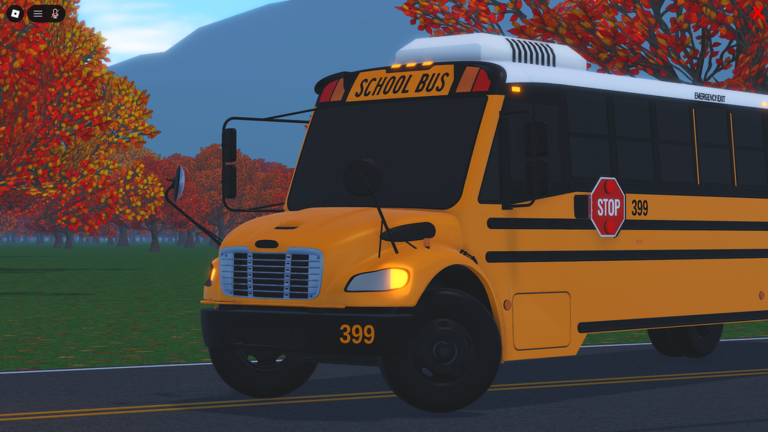
Welcome to the most customizable School Bus Simulator on ROBLOX! Halloween is officially over and the Limited Old 3800 is not longer obtainable! It can now be used in the loadout editor for those who own it. LATEST UPDATE: - NEW Incandescent Brake Lights Accessory - NEW Front AC unit Accessory - Brake Lights are now dimmer on static - Fixed Xbox/PS controller gradual braking not working / only applying if you fully hold it down. - Fixes and Improvements UP NEXT: More Neighborhoods... Doors Revamp... AND MORE! 📱 All Devices Supported ⚠️ Device crashing? Play in smaller servers. 🔒 Private Server Owners: type >Help for the command list! Let me know of any issue you experience in my communications server below.
Comments (0)
Share a tip, ask a question, or tell other players which codes worked.
No comments yet. Be the first to share a tip or ask a question.