By realguest3920
Deathrun: Run or Die! (2019) codes
No working codes listed right now. Check the latest updates below.
Working codes
Updated November 20, 2026
No working codes right now
Check back for new developer releases, or submit a code if you found one.
How to redeem codes in Deathrun: Run or Die! (2019)
- Launch Deathrun: Run or Die! (2019) on Roblox.
- Look for a Codes, Shop or settings button — usually on the side of the screen.
- Paste the code exactly as shown above. Codes are case-sensitive.
- Press redeem to claim your reward.
Codes may expire or require a certain level. If one fails, check the spelling and any in-game requirements.
Found a code we're missing?
Submit it and we'll verify it before it goes live.
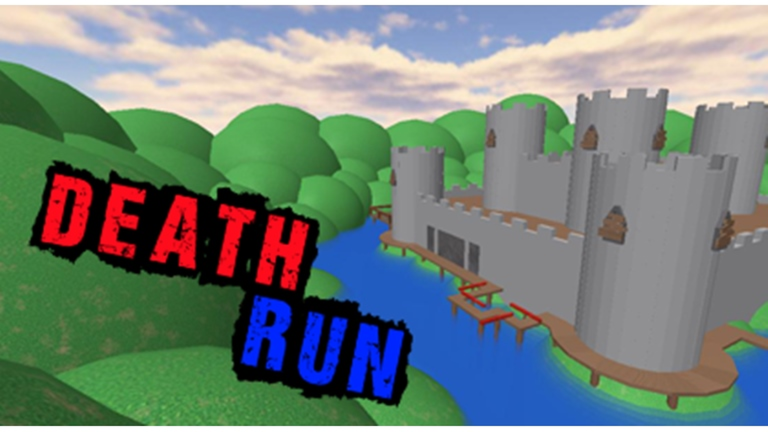
About Deathrun: Run or Die! (2019)
The classic 2010 deathrun game originally from Ericwesley96. Everything should be working properly but if something goes wrong/not working then DM me about it. Enjoy. UPDATE LOG: v1.1.1: -Tweeked difficulty rating for some maps -Sharks on "The Beach" move faster -Carribean treasure now uses the same buttons as the other maps -Fixed Carribbean Treasure from being impossibly hard to predict movements -Fixed Anti-Afk brick being solid v1.1 -2 New Maps: Blue Fire, Carribbean Treasure -All potion durations buffed (2 sec -> 5 sec) -Fixed missing images for some maps -Fixed invisibility Potion not working on hats.
Comments (0)
Share a tip, ask a question, or tell other players which codes worked.
No comments yet. Be the first to share a tip or ask a question.