By ChickenEngineer
Dinosaur Arcade [BETA] codes
No working codes listed right now. Check the latest updates below.
Working codes
Updated November 20, 2026
No working codes right now
Check back for new developer releases, or submit a code if you found one.
How to redeem codes in Dinosaur Arcade [BETA]
- Launch Dinosaur Arcade [BETA] on Roblox.
- Look for a Codes, Shop or settings button — usually on the side of the screen.
- Paste the code exactly as shown above. Codes are case-sensitive.
- Press redeem to claim your reward.
Codes may expire or require a certain level. If one fails, check the spelling and any in-game requirements.
Found a code we're missing?
Submit it and we'll verify it before it goes live.
About Dinosaur Arcade [BETA]
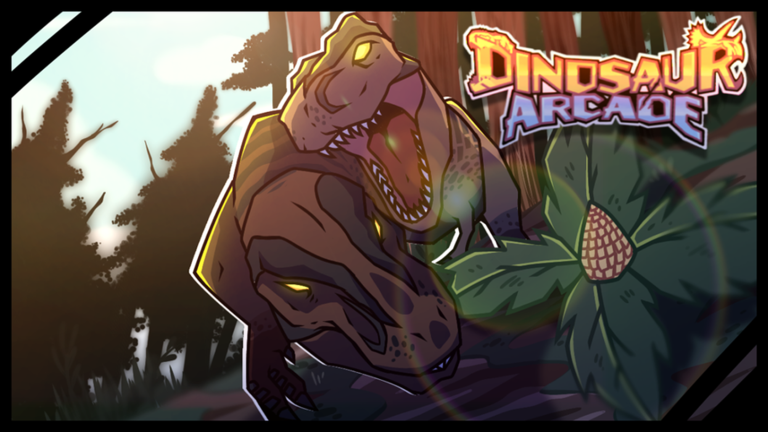
🔥 Updates will drop every Friday at 11am US EST! 📢 Next code will be added in at 55k Likes! Welcome to Dinosaur Arcade! Return to the Mesozoic Era and experience the world as your favorite dinosaur, visualized in an arcade style aesthetic! Search the map for fossil deposits to research new dinosaurs, investigate meteor impact sites, and uncover the secrets of the mayhem! 🎮 PC/XBOX Controls [Left-Click], [RT] - Interact [Right-Click], [RB] - Grab [Shift], [LT] - Sprint [Q/E], [Y/B] - Swim Up/Down [C], [Left Stick] - Call [G], [DPadRight] - Growl [R], [DPadUp] - Roar [Z], [DPadDown] - Rest [T], [LB] - Track footprints while hovering over with your cursor [U], [X] - Hide GUI [H], [DPadLeft] - Change camera view [Space], [A] - Jump Group: https://www.roblox.com/groups/10549310/Dinosaur-Arcade#!/about
Comments (0)
Share a tip, ask a question, or tell other players which codes worked.
No comments yet. Be the first to share a tip or ask a question.