By Get Slingshoted
Dropkick Enemies! codes
No working codes listed right now. Check the latest updates below.
Working codes
Updated November 21, 2026
No working codes right now
Check back for new developer releases, or submit a code if you found one.
How to redeem codes in Dropkick Enemies!
- Launch Dropkick Enemies! on Roblox.
- Look for a Codes, Shop or settings button — usually on the side of the screen.
- Paste the code exactly as shown above. Codes are case-sensitive.
- Press redeem to claim your reward.
Codes may expire or require a certain level. If one fails, check the spelling and any in-game requirements.
Found a code we're missing?
Submit it and we'll verify it before it goes live.
About Dropkick Enemies!
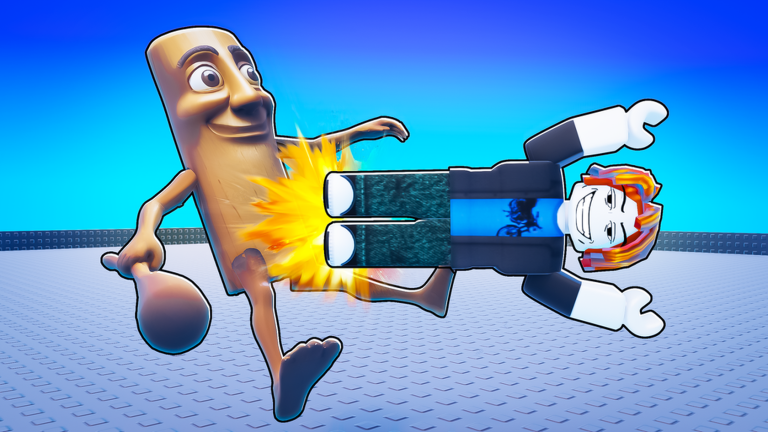
⭐ Welcome to Dropkick EVERYTHING ! Get into unique and fun gameplay of dropkicking all enemies and making it to the end.⭐ You are put on top on a tall building, Each building in front of you is taller and harder to beat. Dropkick your way through and make it to the end. UPDATE 20/1: World 4, Made previous worlds easier and added Rocket launcher! Have fun 💸Dropkick enemies to get CASH. 💪Use CASH to make yourself stronger. ☠️Watch enemies fly as you dropkick them high into the void. [⚠️ IF YOU FIND ANY BUG OR ISSUES, PLEASE USE LIKE/DISLIKE AND SEND US DETAILED FEEDBACK, WE ALWAYS READ THEM ⚠️] CONTROLS: Equip dropkick tool and jump while near enemies to push them back / Double jump near enemies to push them back. If you own Grab, Go near anything and activate the tool to grab the item. Credits: Building: @BricksBree GFX: @BricksBree and @Galaxy01500 Scripting: @Galaxy01500
Comments (0)
Share a tip, ask a question, or tell other players which codes worked.
No comments yet. Be the first to share a tip or ask a question.