By togekish
[CONTROLLER SUPPORT] Sudoku with Friends codes
No working codes listed right now. Check the latest updates below.
Working codes
Updated November 20, 2026
No working codes right now
Check back for new developer releases, or submit a code if you found one.
How to redeem codes in [CONTROLLER SUPPORT] Sudoku with Friends
- Launch [CONTROLLER SUPPORT] Sudoku with Friends on Roblox.
- Look for a Codes, Shop or settings button — usually on the side of the screen.
- Paste the code exactly as shown above. Codes are case-sensitive.
- Press redeem to claim your reward.
Codes may expire or require a certain level. If one fails, check the spelling and any in-game requirements.
Found a code we're missing?
Submit it and we'll verify it before it goes live.
About [CONTROLLER SUPPORT] Sudoku with Friends
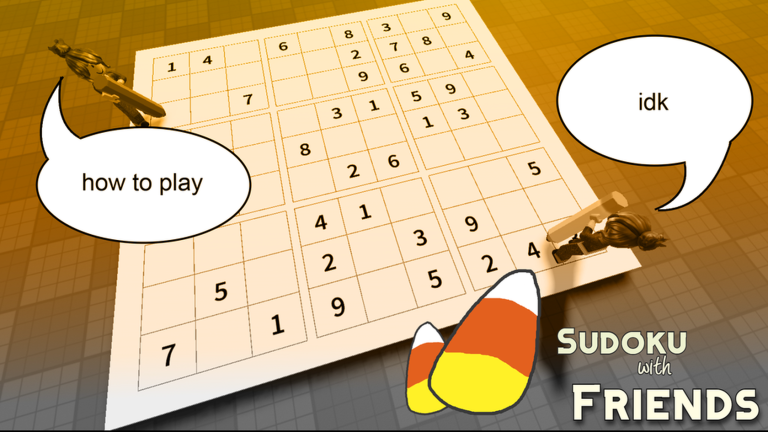
Party up and play Sudoku on a physical board with your friends! You can move the numpad by clicking/tapping and dragging the top part of the numpad Latest update: 01/11/26 🎮 CONSOLE SUPPORT 🎮 - play on console and with a controller! - pick a number once with L1/R1 and place it with R2, no more going back to the numpad - Active Digit Mode: the same pick-once style for everyone, turn it on in settings - tutorial updated for controller players - Halloween event extended by a week! 24/10/26 BOARD SAVES - boards now save automatically when you leave the game or start a duel - resume boards when you return - numpad now ticks off completed numbers and prevents players from accidentally pressing them - board avatar profiles now sit directly above boards in worldspace, no longer occupying space off to the side bug fixes Please note the game is in Beta - There will be bugs!! PLEASE report them on my socials, I love fixing bugs and making this a better game!!!
Comments (0)
Share a tip, ask a question, or tell other players which codes worked.
No comments yet. Be the first to share a tip or ask a question.