By 0ver_fried
Escape Room codes
No working codes listed right now. Check the latest updates below.
Working codes
Updated November 20, 2026
No working codes right now
Check back for new developer releases, or submit a code if you found one.
How to redeem codes in Escape Room
- Launch Escape Room on Roblox.
- Look for a Codes, Shop or settings button — usually on the side of the screen.
- Paste the code exactly as shown above. Codes are case-sensitive.
- Press redeem to claim your reward.
Codes may expire or require a certain level. If one fails, check the spelling and any in-game requirements.
Found a code we're missing?
Submit it and we'll verify it before it goes live.
About Escape Room
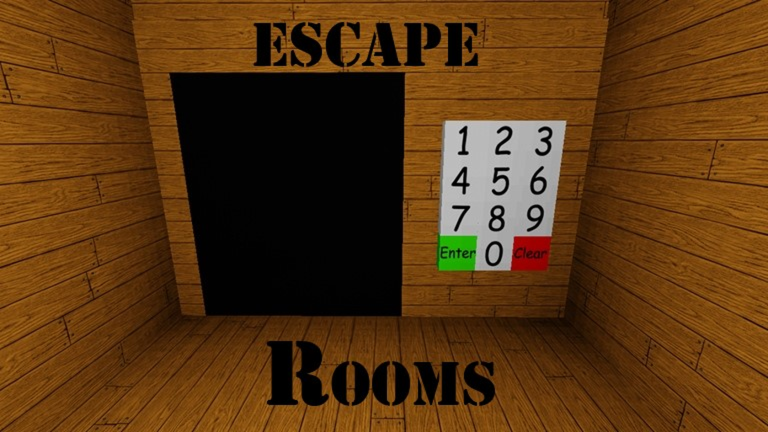
Update : - Added secret badges. - Added a new gamepass that allows you to teleport between levels. WARNING : The levels will automatically reset if no boxes are moved for a certain amount of time, so make sure you don't leave the boxes unmoved for too long if you don't want to redo everything from the beginning. This game was originally just some game I made for fun in a few hours many years ago, back when I barely knew anything about how to use Roblox Studio. Thats why it has so many dislikes. When I uploaded the game for the first time, I never thought it would blow up and I still don't understand why it did. After learning how to script, I tried making the game a little bit better by adding reset buttons, auto reset and stuff like that. Even though the ratio is bad, I'm still getting a few compliments on my game. Some people say it feels nostalgic. Thanks for playing ! :)
Comments (0)
Share a tip, ask a question, or tell other players which codes worked.
No comments yet. Be the first to share a tip or ask a question.