By Spectrabox
Fantasy Island [Showcase] codes
No working codes listed right now. Check the latest updates below.
0 playing100.6K visitsAll
Working codes
Updated November 20, 2026
No working codes right now
Check back for new developer releases, or submit a code if you found one.
How to redeem codes in Fantasy Island [Showcase]
- Launch Fantasy Island [Showcase] on Roblox.
- Look for a Codes, Shop or settings button — usually on the side of the screen.
- Paste the code exactly as shown above. Codes are case-sensitive.
- Press redeem to claim your reward.
Codes may expire or require a certain level. If one fails, check the spelling and any in-game requirements.
Found a code we're missing?
Submit it and we'll verify it before it goes live.
About Fantasy Island [Showcase]
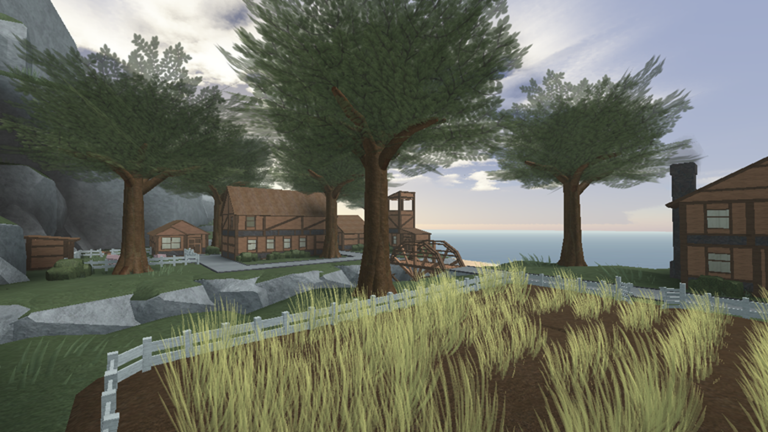
This is a building showcase, think of it as a "museum" rather than a game. It is recommend you play on at least '3' graphics setting, or else the terrain and water will look strange. #### #### ## ###### look the best if you can handle it. Follow me on Twitter @SpectraboxRBLX for updates on future projects.
Comments (0)
Share a tip, ask a question, or tell other players which codes worked.
No comments yet. Be the first to share a tip or ask a question.