By Style City Catalog Avatar Creator
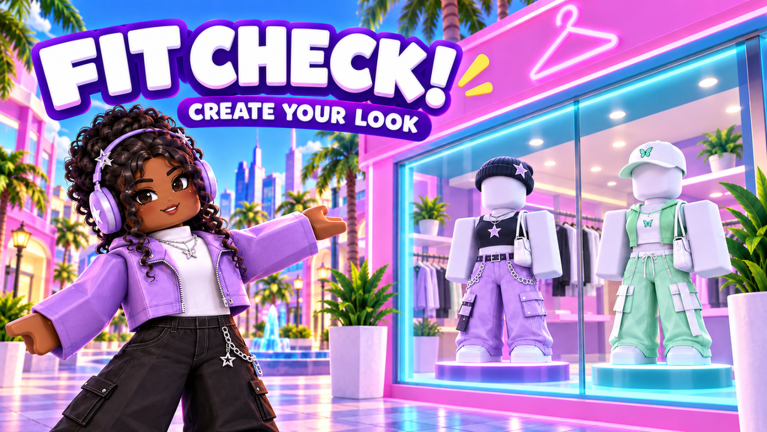
Fit Check! (Avatar Designer) codes
No working codes listed right now. Check the latest updates below.
Working codes
Updated November 20, 2026
No working codes right now
Check back for new developer releases, or submit a code if you found one.
How to redeem codes in Fit Check! (Avatar Designer)
- Launch Fit Check! (Avatar Designer) on Roblox.
- Look for a Codes, Shop or settings button — usually on the side of the screen.
- Paste the code exactly as shown above. Codes are case-sensitive.
- Press redeem to claim your reward.
Codes may expire or require a certain level. If one fails, check the spelling and any in-game requirements.
Found a code we're missing?
Submit it and we'll verify it before it goes live.
About Fit Check! (Avatar Designer)
🔥 FIT CHECK! Browse the catalog, try on anything, and build your dream fit in Style City! ✅ Every avatar item you buy in-game goes straight to your Roblox inventory. Wear it anywhere, in any game! ⭐ Grow your plot, attract more NPCs, stack more coins! 💰 Literally everyone wins: buying AND selling rewards both you and the shop owner ⭐ Join the group to support us: https://www.roblox.com/share/g/33503067
Comments (0)
Share a tip, ask a question, or tell other players which codes worked.
No comments yet. Be the first to share a tip or ask a question.