By DEVTEC STUDIOS
Fix PCs! codes
No working codes listed right now. Check the latest updates below.
Working codes
Updated November 20, 2026
No working codes right now
Check back for new developer releases, or submit a code if you found one.
How to redeem codes in Fix PCs!
- Launch Fix PCs! on Roblox.
- Look for a Codes, Shop or settings button — usually on the side of the screen.
- Paste the code exactly as shown above. Codes are case-sensitive.
- Press redeem to claim your reward.
Codes may expire or require a certain level. If one fails, check the spelling and any in-game requirements.
Found a code we're missing?
Submit it and we'll verify it before it goes live.
About Fix PCs!
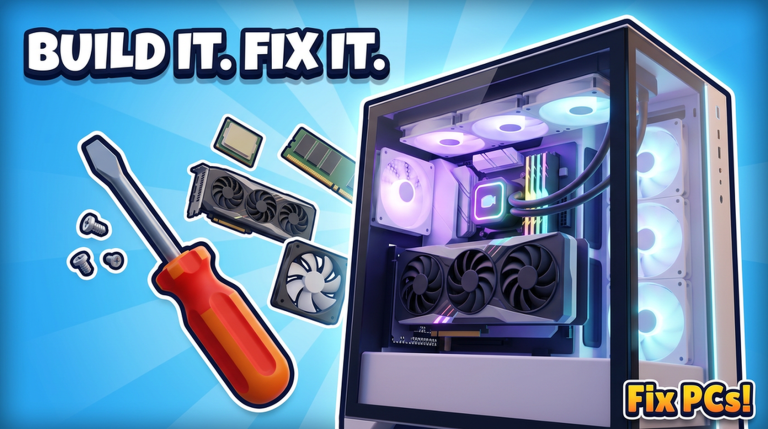
🔧 Run your own PC repair shop! Customers walk in with broken computers. Find out what's wrong, open them up on your workbench and fix them: swap dead parts, drive in the screws, plug in the cables, then power on and run a benchmark. Get it working and they pay you. 🖥️ 192 parts: graphics cards, CPUs, motherboards, RAM, liquid coolers, fans and cases 🛠️ Build custom PCs, dual-GPU workstations and whole server racks to order 🧹 Blow out dusty PCs, repaint cases, straighten bent CPU pins and clean off viruses 🏪 Decorate your shop and give it a new shopfront, with your name over the door in 3D 📦 Order parts and unpack the deliveries yourself 👷 Hire staff, build new floors and take on contracts 🌦️ Weather rolls in over the street while you work Start with an empty unit and grow it into the best shop on the street!
Comments (0)
Share a tip, ask a question, or tell other players which codes worked.
No comments yet. Be the first to share a tip or ask a question.