Working FNaF Multiplayer Codes
Last updated August 20, 2026
No working codes right now
We're tracking FNaF Multiplayer and will list codes here the moment the developers release them. If you spot one first, send it our way below.
How to redeem codes in FNaF Multiplayer
- Launch FNaF Multiplayer on Roblox.
- Look for a Codes, Shop or settings button — usually on the side of the screen.
- Paste the code exactly as shown above. Codes are case-sensitive.
- Press redeem to claim your reward.
Codes expire without warning — if one fails, it was almost certainly pulled by the developer.
Found a code we're missing?
Submit it and we'll verify it before it goes live.
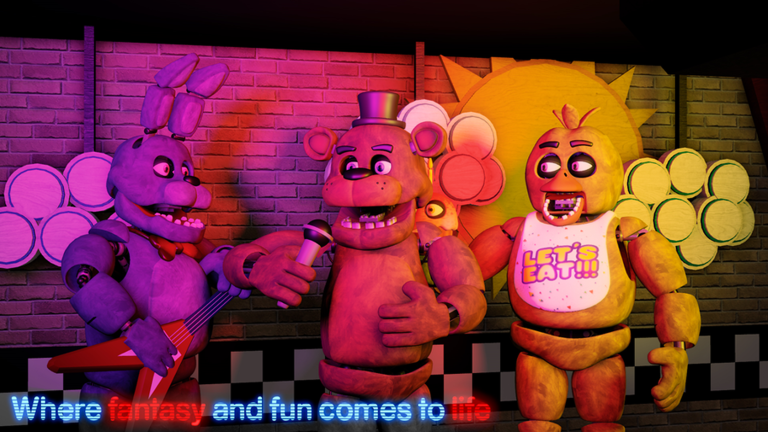
About FNaF Multiplayer
| Please let me know of any bug you have found in the game so that I can fix it as soon as possible. | Xbox & Playstation players may have problems with controls during gameplay Game Status: Close to release (Pre-release). Slow development for now... I'm focused right now on keeping game stable and making QoL updates !!! Controls for PC | Xbox !!!: F | X - Flashlight Space | LT - Mask (FNaF 2) Left Control | RT - To light up dark places in cameras (FNaF 2) Click and hold | LT - To wind up music box (FNaF 2) Recommend: - Playing with someone (2 players). - Setting graphics atleast 5 or more. - Having 2.5 GB of Free RAM or more for a comfortable gameplay. Minimal 1 GB of Free RAM. FNaF 2 mini-games are available with a 20% probability after pressing the restart button when you died Thank you guys for continuing to support this game. It has reached over 37 million visits! @ Credits To Original Creator - Scott Cawthon, for this great franchise FNaF ( Five Nights at Freddy's ) @