By Mega Minions Play Fan Group
AVL: The Show 2 codes
No working codes listed right now. Check the latest updates below.
Working codes
Updated November 21, 2026
No working codes right now
Check back for new developer releases, or submit a code if you found one.
How to redeem codes in AVL: The Show 2
- Launch AVL: The Show 2 on Roblox.
- Look for a Codes, Shop or settings button — usually on the side of the screen.
- Paste the code exactly as shown above. Codes are case-sensitive.
- Press redeem to claim your reward.
Codes may expire or require a certain level. If one fails, check the spelling and any in-game requirements.
Found a code we're missing?
Submit it and we'll verify it before it goes live.
About AVL: The Show 2
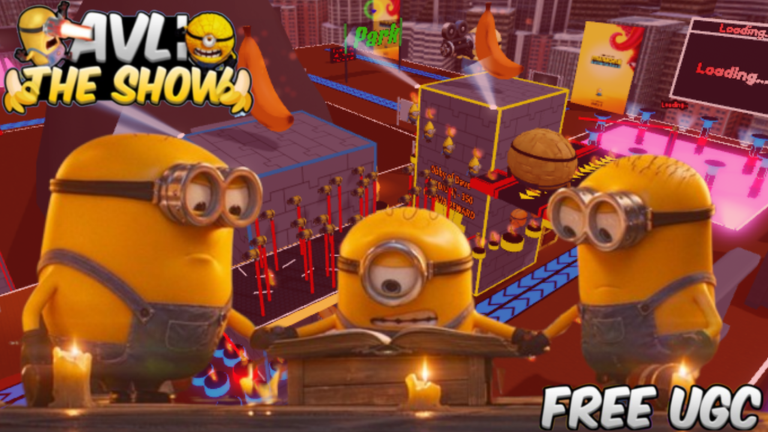
🍌Welcome to AVL: The Show! In this game, you collect bananas, unlock powerful characters, and unlock FREE UGC! Update v2.0.0 -Map 2x bigger -Added the Park to the map, a free place to roam -AVL Lab now has pathfinding -Tutorial changed -Replaced Enhanced Mega Jerry with Jim -Added new Goomi character & obtainment -Changed the map to a completely different theme -Moved many things around the map -New UGC added Update v.1.5.4 -Event times are now slower, so you don't get spammed with events -Dave Games Mel Laser easier to see Update v1.5.3 -Added New Sun Mega Jerry Character -Removed XMAS Event -New Electric Jerry UGC -Lava Rise not limited anymore due to fan vote
Comments (0)
Share a tip, ask a question, or tell other players which codes worked.
No comments yet. Be the first to share a tip or ask a question.