By ULTRA DICE
Glove Game 2 codes
No working codes listed right now. Check the latest updates below.
Working codes
Updated November 21, 2026
No working codes right now
Check back for new developer releases, or submit a code if you found one.
How to redeem codes in Glove Game 2
- Launch Glove Game 2 on Roblox.
- Look for a Codes, Shop or settings button — usually on the side of the screen.
- Paste the code exactly as shown above. Codes are case-sensitive.
- Press redeem to claim your reward.
Codes may expire or require a certain level. If one fails, check the spelling and any in-game requirements.
Found a code we're missing?
Submit it and we'll verify it before it goes live.
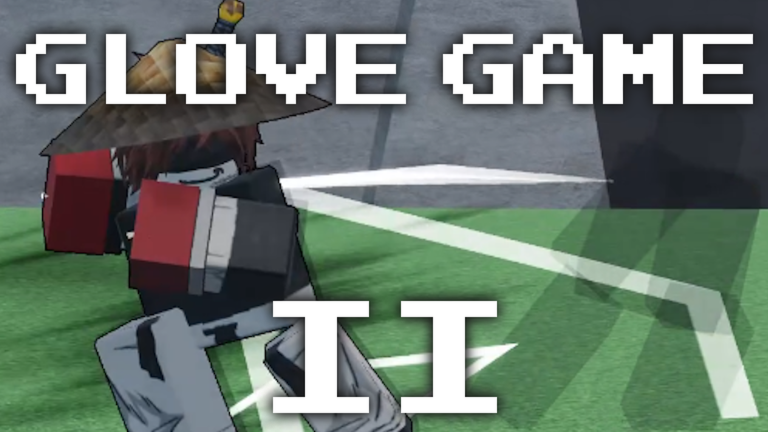
About Glove Game 2
NOTE: still a wip, so most gloves are unfinished and have placeholder skills 🥊 Launch, throw, and spike players off the map! Earn Glove Points (GP) by ragdolling opponents and unlock new gloves to mess with! 💻 Currently only playable on PC, Console is enabled but you need KBM to play it properly atm. CONTROLS: M1 - Attack M1 (air) - Slam M2 (in shiftlock) - Uppercut (anti-airs / counters slam) F - Block R - Parry G - Evasive (used to escape combos or recover) G - Air Step (in air) does a short jump upwards that can be used to recover, also can spike players Q - Dash / dodge (can be aimed upwards if high in the air / offstage) Space (2x) - Double jump (using after slam does a much greater boost) C - Recovery (used to recover offstage) -- holding goes further but has longer cooldown also you can hover over you skills to see short description!
Comments (0)
Share a tip, ask a question, or tell other players which codes worked.
No comments yet. Be the first to share a tip or ask a question.