By LeBus Productions
Hotel Tycoon 2 codes
No working codes listed right now. Check the latest updates below.
Working codes
Updated November 20, 2026
No working codes right now
Check back for new developer releases, or submit a code if you found one.
How to redeem codes in Hotel Tycoon 2
- Launch Hotel Tycoon 2 on Roblox.
- Look for a Codes, Shop or settings button — usually on the side of the screen.
- Paste the code exactly as shown above. Codes are case-sensitive.
- Press redeem to claim your reward.
Codes may expire or require a certain level. If one fails, check the spelling and any in-game requirements.
Found a code we're missing?
Submit it and we'll verify it before it goes live.
About Hotel Tycoon 2
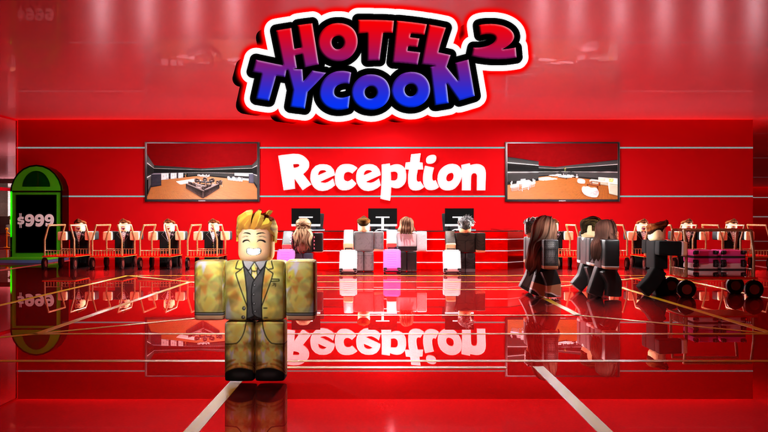
🏨 Build and manage your dream hotel and restaurant with Roblox's first expansive tycoon simulator game. 🛠️ Customize every aspect of the hotel, from the lobby and guest rooms to the kitchen and restaurant. 🎮 Dive into a mix of classic and advanced tycoon mechanics including upgrade buttons and precise grid-based building. 🛎️ Hire 9 different employee roles including Receptionist, Bell Attendant, Housekeeper, Chef, Room Service Attendant, Juice Specialist, Server, Security Guard, and Manager to ensure the hotel runs smoothly. 🔗 Build solo or team up with friends! Use the Players button on the right to add friends as Managers and work together. Compete in hotel management challenges and climb the leaderboards. 🤝 Join the community and unlock a special chat tag & game badge! 🔔 Click on the "Notify" button on our game page and be the first to experience new updates! 📅 Official Release Date: March 12 2025 🚨 Lagging or crashing? Fix it for FREE with a private server! 🚀
Comments (0)
Share a tip, ask a question, or tell other players which codes worked.
No comments yet. Be the first to share a tip or ask a question.