By WP's Studios
Game Dev Incremental codes
No working codes listed right now. Check the latest updates below.
Working codes
Updated November 21, 2026
No working codes right now
Check back for new developer releases, or submit a code if you found one.
How to redeem codes in Game Dev Incremental
- Launch Game Dev Incremental on Roblox.
- Look for a Codes, Shop or settings button — usually on the side of the screen.
- Paste the code exactly as shown above. Codes are case-sensitive.
- Press redeem to claim your reward.
Codes may expire or require a certain level. If one fails, check the spelling and any in-game requirements.
Found a code we're missing?
Submit it and we'll verify it before it goes live.
About Game Dev Incremental
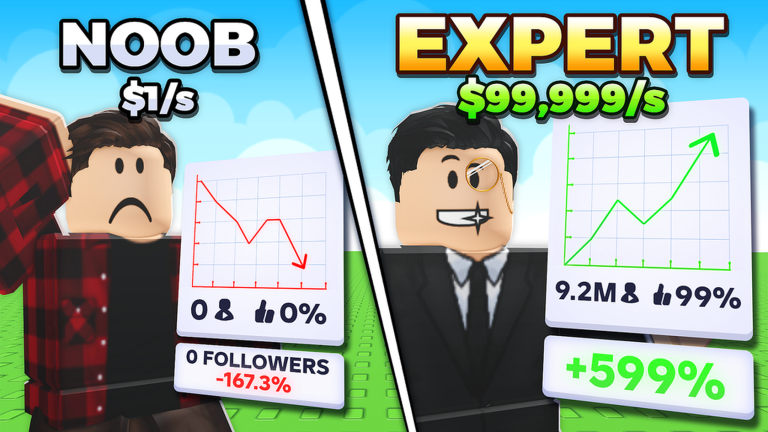
Welcome to Game Dev Incremental (or GDI for short), a simulator-incremental hybrid meant to simulate what it's like to be a Roblox game developer as you make games from many different genres and develop those games to greatness! How to play: 🎮 Create a game 🖱️ Click on games to edit them ⬆️ Update your game to keep it alive and help it grow ✨ Implement features to improve your game 📜 Unlock dozens of achievements 🏆 Compete with your friends and climb up the leaderboards! 🛜 Let your games run even when you're offline! Roblox+ users get a free exclusive chat tag! 💖 Invite your friends for 10% more followers (up to 50%)! 🖱️ Macros are not allowed but autoclickers are allowed and encouraged 🤖❌ This game is entirely manmade, no generative AI was knowingly used to generate code, models, UI or art
Comments (0)
Share a tip, ask a question, or tell other players which codes worked.
No comments yet. Be the first to share a tip or ask a question.