By PlayerSelect
Player Select codes
No working codes listed right now. Check the latest updates below.
Working codes
Updated November 20, 2026
No working codes right now
Check back for new developer releases, or submit a code if you found one.
How to redeem codes in Player Select
- Launch Player Select on Roblox.
- Look for a Codes, Shop or settings button — usually on the side of the screen.
- Paste the code exactly as shown above. Codes are case-sensitive.
- Press redeem to claim your reward.
Codes may expire or require a certain level. If one fails, check the spelling and any in-game requirements.
Found a code we're missing?
Submit it and we'll verify it before it goes live.
About Player Select
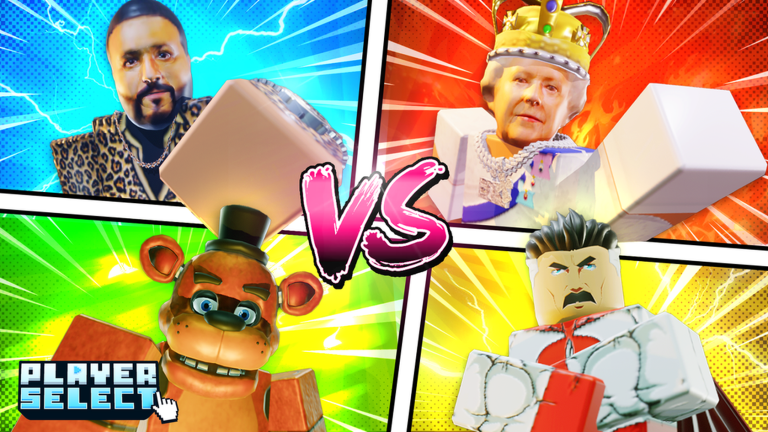
🎮 Available on all devices! Slow device? Enable potato mode in settings! [Particles scale with graphics - automatic recommended] ❤️ Please consider liking & supporting for quicker updates + more characters! We hope you have fun :) Join the community to leave us feedback and suggestions, we read it all & respond! PC Controls: M1 - Punch 1,2,3 - Abilities Q - Dash (Directional with WASD) E - Gear (If equipped) F - Block (First block stops ragdoll and reduces damage) C - Voice Taunt V - Emote wheel Taking cover behind walls/structures reduces any projectile damage Cheaters will be permanently banned - play fair for everyone! 📚 Combat inspired by Elemental Battlegrounds Player Select is a parody game featuring characters inspired by pop culture, created for entertainment purposes. All referenced works belong to their respective creators. If you are the owner of any referenced content and have concerns, please contact us to get this resolved immediately. Thank you!
Comments (0)
Share a tip, ask a question, or tell other players which codes worked.
No comments yet. Be the first to share a tip or ask a question.