By Snow Moose Games
Line Simulator codes
No working codes listed right now. Check the latest updates below.
Working codes
Updated November 20, 2026
No working codes right now
Check back for new developer releases, or submit a code if you found one.
How to redeem codes in Line Simulator
- Launch Line Simulator on Roblox.
- Look for a Codes, Shop or settings button — usually on the side of the screen.
- Paste the code exactly as shown above. Codes are case-sensitive.
- Press redeem to claim your reward.
Codes may expire or require a certain level. If one fails, check the spelling and any in-game requirements.
Found a code we're missing?
Submit it and we'll verify it before it goes live.
About Line Simulator
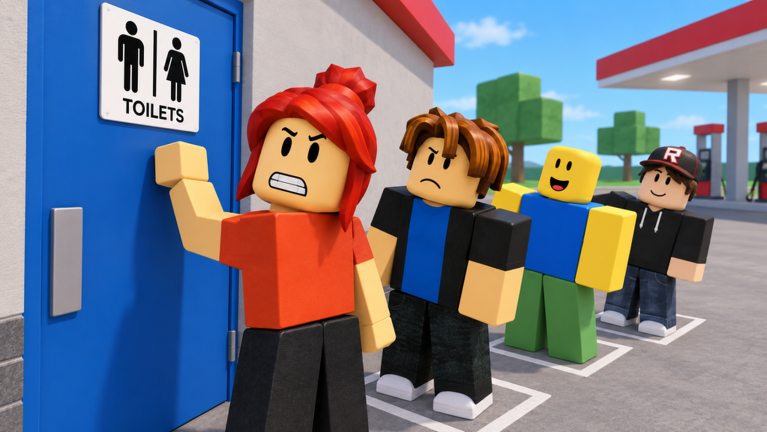
Experience the ultimate test of patience and endurance! Step into the most realistic queue simulator ever created—where every second feels like an eternity, and the thrill of finally reaching the front is unmatched. Can you handle the wait? The original BLS and Line simulator Game! Update! We're excited to bring you a fresh new update packed with improvements, new features, and a smoother gameplay experience! Here's what’s new! 🏆 Weekly Leaderboards 🎁 Improved Daily Login Rewards 📈 Leveling Curve Rebalanced 🧠 Revamped Core Code 🚀 Server Balancing ⚔️ XP is Now Equal Across All Servers 🎉 Party Area Updated 👍 Like and favorite⭐the game to support future updates!👍
Comments (0)
Share a tip, ask a question, or tell other players which codes worked.
No comments yet. Be the first to share a tip or ask a question.