By REXPOPULI
LONGNECK (FALL SEASON) codes
No working codes listed right now. Check the latest updates below.
Working codes
Updated November 20, 2026
No working codes right now
Check back for new developer releases, or submit a code if you found one.
How to redeem codes in LONGNECK (FALL SEASON)
- Launch LONGNECK (FALL SEASON) on Roblox.
- Look for a Codes, Shop or settings button — usually on the side of the screen.
- Paste the code exactly as shown above. Codes are case-sensitive.
- Press redeem to claim your reward.
Codes may expire or require a certain level. If one fails, check the spelling and any in-game requirements.
Found a code we're missing?
Submit it and we'll verify it before it goes live.
About LONGNECK (FALL SEASON)
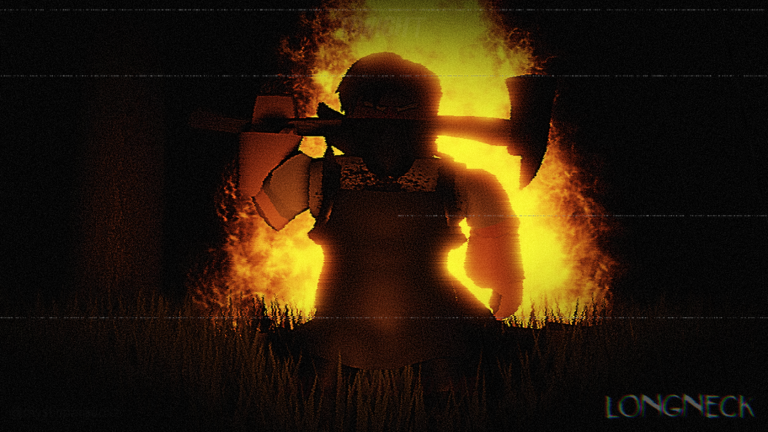
Based on Island of the Slaughtered FALL SEASON! -Environmental Update -New Seasonal Badge -Tanner Complete the Game to obtain access to Extra in the menu! Temporarily in first person, Press E to unlock mouse if PC! CONTROLS FOR PC: F- FLASHLIGHT SHIFT/CTRL- TOGGLE SPRINT ON/OFF Q- OPEN/CLOSE CAMERAS E- SWITCH CAMERAS TERRIFY- Enable/Disable Realistic Camera You find yourself inside of a Snow-covered forest. At daytime, explore your surroundings. Search for 8 special items. Collect badges. Discover what went down here. At night, numerous entities will spawn. Survive the night. Use your radar to track where nearby entities are. Unsure about game mechanics? Read your journal located in your inventory. Explore every corner. Some objects open a doorway, a mirror, or even secret rooms. It also contains bugs lol so my apologies for that. Feedback would be GREATLY appreciated :)
Comments (0)
Share a tip, ask a question, or tell other players which codes worked.
No comments yet. Be the first to share a tip or ask a question.