By devils_aquamarine
Macro Data Refinemnet codes
No working codes listed right now. Check the latest updates below.
Working codes
Updated November 20, 2026
No working codes right now
Check back for new developer releases, or submit a code if you found one.
How to redeem codes in Macro Data Refinemnet
- Launch Macro Data Refinemnet on Roblox.
- Look for a Codes, Shop or settings button — usually on the side of the screen.
- Paste the code exactly as shown above. Codes are case-sensitive.
- Press redeem to claim your reward.
Codes may expire or require a certain level. If one fails, check the spelling and any in-game requirements.
Found a code we're missing?
Submit it and we'll verify it before it goes live.
About Macro Data Refinemnet
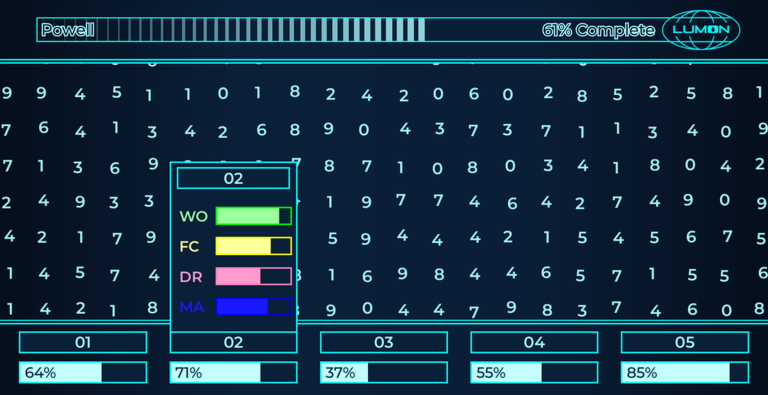
Welcome to Lumon💧 and your first day as one of our micro data refiners. Instructions: Using your movement controls or by holding right click, scroll through the table and look for anomalies in the data. Once you find the bad data, press and drag over the top to fence it in and send it off (only fenced data that is more than 65% bad will be collected and boxed). Then, complete as many files as possible to try and meet quota for this quarter. Controls: Move: W, A, S, D, Arrow keys, Mouse wheel, Mobile joystick Zoom in/out: + / - Start a fresh file: Shift + R Clear your completed file history: CTRL+Shift+R Disable/Enable Hover Zoom: Shift + F Disable/Enable number shaking (more lag friendly): Shilft+B Thank you and welcome to Lumon💧.
Comments (0)
Share a tip, ask a question, or tell other players which codes worked.
No comments yet. Be the first to share a tip or ask a question.