By Grandma's Favourite Games
Mall Tycoon codes
No working codes listed right now. Check the latest updates below.
Working codes
Updated November 19, 2026
No working codes right now
Check back for new developer releases, or submit a code if you found one.
How to redeem codes in Mall Tycoon
- Launch Mall Tycoon on Roblox.
- Look for a Codes, Shop or settings button — usually on the side of the screen.
- Paste the code exactly as shown above. Codes are case-sensitive.
- Press redeem to claim your reward.
Codes may expire or require a certain level. If one fails, check the spelling and any in-game requirements.
Found a code we're missing?
Submit it and we'll verify it before it goes live.
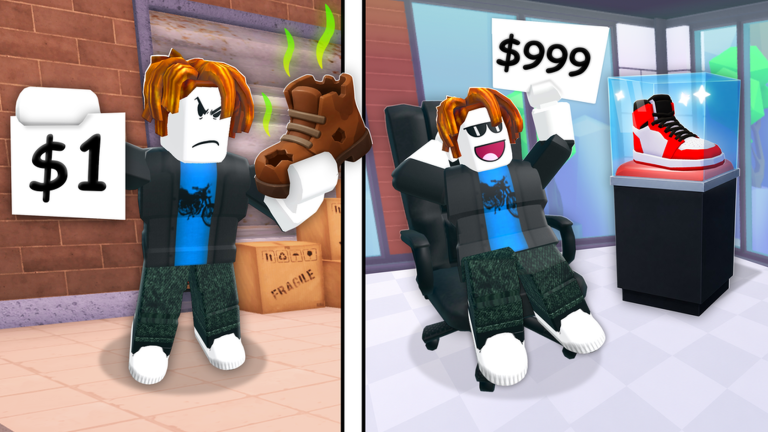
About Mall Tycoon
Lagging? Make a FREE VIP server Create your own personalized Mall, with over 35 stores to choose from. Hey, look at that… some people are starting to visit your mall! 🏨🚶♂🚶♀ Build the correct types of stores to keep your customers happy. These customers are not easy to please but if you manage to do so you will be rewarded with large TIPS! Wow, more customers are coming to your mall… 🏨🚶♂🚶♀ 🚶♂🚶♀ 🚶♂🚶♀ Paint your walls and decorate your mall so it is unique. Unlock a variety of awesome set pieces at the end of every floor. Now your mall is getting really busy… 🏨🚶♂🚶♀ 🚶♂🚶♀ 🚶♂🚶♀ 🚶♂🚶♀ 🚶♂🚶♀ 🚶♂🚶♀ 🚶♂🚶♀ 🚶♂🚶♀ Create all 12 floors then stand on the roof and look out into the distance. You are a champion; you have conquered the Roblox Mall. Everything the light touches is your kingdom (except all the other malls, the road, and generally anything not within the area of your Mall).
Comments (0)
Share a tip, ask a question, or tell other players which codes worked.
No comments yet. Be the first to share a tip or ask a question.