By WarBandits
My Airport codes
No working codes listed right now. Check the latest updates below.
Working codes
Updated November 20, 2026
No working codes right now
Check back for new developer releases, or submit a code if you found one.
How to redeem codes in My Airport
- Launch My Airport on Roblox.
- Look for a Codes, Shop or settings button — usually on the side of the screen.
- Paste the code exactly as shown above. Codes are case-sensitive.
- Press redeem to claim your reward.
Codes may expire or require a certain level. If one fails, check the spelling and any in-game requirements.
Found a code we're missing?
Submit it and we'll verify it before it goes live.
About My Airport
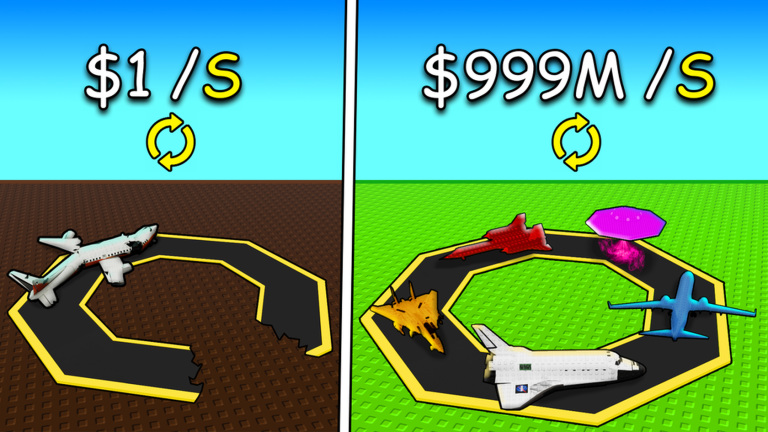
💸 Remember, you earn money while offline! 💸 🛫 Welcome to My Airport! Build, expand, and soar to new heights in the ultimate airport experience on Roblox! 💼 Start Small, Dream Big: Planes roll in on your conveyor buy, manage, and upgrade them to grow your airport empire! 🌍 Create & Explore: Each player has their own airport and runway customize your space, visit friends’ airports, or compete to see who becomes the richest! 💸 Upgrade and Earn: Enhance your planes to boost profits, automate your systems, and watch your wealth take off! ✈️ Unlock Rare & Exclusive Planes: Collect Epic, Legendary, and Mythic aircraft with stunning designs and massive rewards. 🏆 Show Off Your Success: Display your collection, climb the leaderboards, and prove you’re the ultimate airport commander!
Comments (0)
Share a tip, ask a question, or tell other players which codes worked.
No comments yet. Be the first to share a tip or ask a question.