By UVM|Studios
Trails codes
No working codes listed right now. Check the latest updates below.
Working codes
Updated November 20, 2026
No working codes right now
Check back for new developer releases, or submit a code if you found one.
How to redeem codes in Trails
- Launch Trails on Roblox.
- Look for a Codes, Shop or settings button — usually on the side of the screen.
- Paste the code exactly as shown above. Codes are case-sensitive.
- Press redeem to claim your reward.
Codes may expire or require a certain level. If one fails, check the spelling and any in-game requirements.
Found a code we're missing?
Submit it and we'll verify it before it goes live.
About Trails
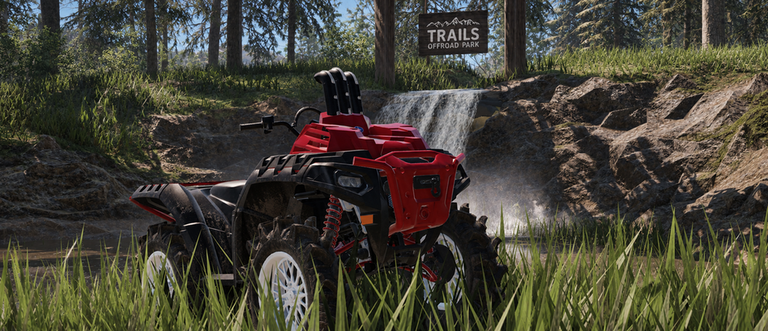
🏕️ Welcome to TRAILS! Explore a huge off-road world packed with mud, trails, hills, water crossings, and places to discover. 🚙 Drive a growing lineup of ATVs, UTVs, and other off-road vehicles 🛠️ Customize your vehicles with different parts and setups 🌲 Explore tons of trails with even more being added over time ⚙️ Improved chassis tuning and vehicle handling 📸 Use Freecam to get the perfect screenshots 🔥 New vehicles, parts, and customization options are always on the way Build your ride, hit the trails, and explore however you want. TRAILS is constantly being updated with new content, improvements, and features. UPDATE V7.0 — A UVM Studios Experience
Comments (0)
Share a tip, ask a question, or tell other players which codes worked.
No comments yet. Be the first to share a tip or ask a question.