By Obby Builder Studio
Obby Builder codes
No working codes listed right now. Check the latest updates below.
Working codes
Updated November 20, 2026
No working codes right now
Check back for new developer releases, or submit a code if you found one.
How to redeem codes in Obby Builder
- Launch Obby Builder on Roblox.
- Look for a Codes, Shop or settings button — usually on the side of the screen.
- Paste the code exactly as shown above. Codes are case-sensitive.
- Press redeem to claim your reward.
Codes may expire or require a certain level. If one fails, check the spelling and any in-game requirements.
Found a code we're missing?
Submit it and we'll verify it before it goes live.
About Obby Builder
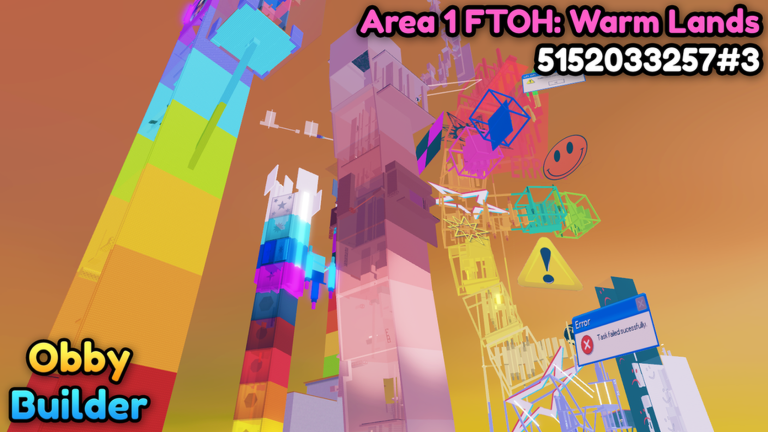
🎮 Welcome to Obby Builder! Build your own obby, customize it with fun parts and traps, then challenge friends or the whole server to beat it. Earn cash while you play, unlock bigger builds, save multiple obbies, and keep improving your creations! 📱💻🎮 Build and play on PC, Mobile, Tablet, and Console. 🏆 Get likes, climb leaderboards, and discover Trending and Highlighted obbies. 🔗 Every obby gets a slot code: share yours or paste a friend's to load it instantly. 🤝 Build together with friends using co-op mode. 🎵 Add music, buttons, signs, teleporters, checkpoints, and more. 💾 Need a backup? Use Restore Data in the Slots UI. 👍 Like + ⭐ Favorite for updates! 🔔 Follow for update drops! 👥 Join the group for bonus rewards!
Comments (0)
Share a tip, ask a question, or tell other players which codes worked.
No comments yet. Be the first to share a tip or ask a question.