By Haydz6
Outfit Viewer codes
No working codes listed right now. Check the latest updates below.
0 playing186.2K visitsAll
Working codes
Updated November 21, 2026
No working codes right now
Check back for new developer releases, or submit a code if you found one.
How to redeem codes in Outfit Viewer
- Launch Outfit Viewer on Roblox.
- Look for a Codes, Shop or settings button — usually on the side of the screen.
- Paste the code exactly as shown above. Codes are case-sensitive.
- Press redeem to claim your reward.
Codes may expire or require a certain level. If one fails, check the spelling and any in-game requirements.
Found a code we're missing?
Submit it and we'll verify it before it goes live.
About Outfit Viewer
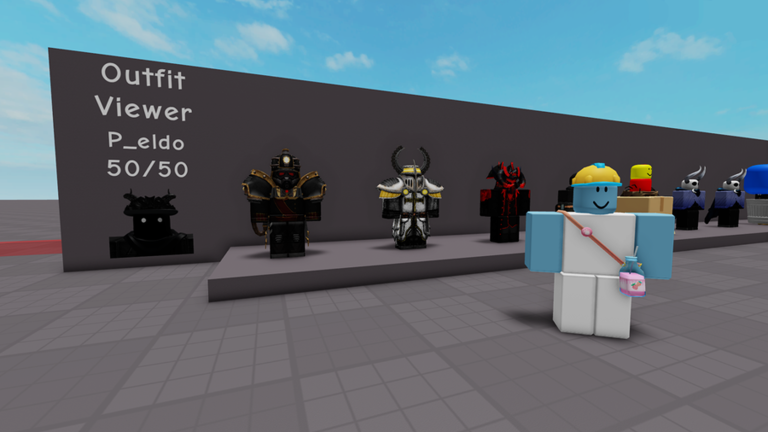
Load outfits using the top left + button or the bottom right. A fast and simple outfit viewer! Load anyone's outfits and wear them or buy them for your inventory! All the outfits are available via Roblox's API. (Free Private Servers)
Comments (0)
Share a tip, ask a question, or tell other players which codes worked.
No comments yet. Be the first to share a tip or ask a question.