Working Pack my Order! Codes
Last updated August 22, 2026
No working codes right now
We're tracking Pack my Order! and will list codes here the moment the developers release them. If you spot one first, send it our way below.
How to redeem codes in Pack my Order!
- Launch Pack my Order! on Roblox.
- Look for a Codes, Shop or settings button — usually on the side of the screen.
- Paste the code exactly as shown above. Codes are case-sensitive.
- Press redeem to claim your reward.
Codes expire without warning — if one fails, it was almost certainly pulled by the developer.
Found a code we're missing?
Submit it and we'll verify it before it goes live.
About Pack my Order!
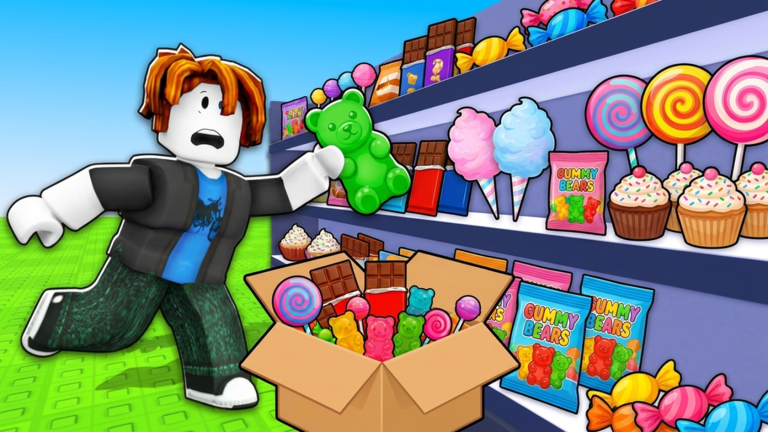
👍 LIKE + JOIN THE GROUP for updates! 👍 🍬 The orders are stacking up and the shelves are full! Grab a box, find the sweets on your list, seal it up and send it down the conveyor. Simple... until you are 60 orders deep and the clock is still running. 🏪 100 orders a shift, no way to lose, just you and the clock 🍭 60+ sweets to collect, from gummies to candy canes 🏆 Race your best time and climb the leaderboards ⭐ Earn Sweet Points and upgrade your speed, reach and carry 🎁 Daily rewards, come back to build your streak 👥 Solo or up to 4 players 💻 PC: E interact, Q drop, Click and drag to pack, T orders, F shop, G rewards, B board, Z settings 📱 Mobile: tap prompts, drag candy into the box, DROP button 🎮 Controller: A interact, B drop, Y shop, D-pad for menus