By Joysome Games
Paint on Keyboard! codes
No working codes listed right now. Check the latest updates below.
Working codes
Updated November 20, 2026
No working codes right now
Check back for new developer releases, or submit a code if you found one.
How to redeem codes in Paint on Keyboard!
- Launch Paint on Keyboard! on Roblox.
- Look for a Codes, Shop or settings button — usually on the side of the screen.
- Paste the code exactly as shown above. Codes are case-sensitive.
- Press redeem to claim your reward.
Codes may expire or require a certain level. If one fails, check the spelling and any in-game requirements.
Found a code we're missing?
Submit it and we'll verify it before it goes live.
About Paint on Keyboard!
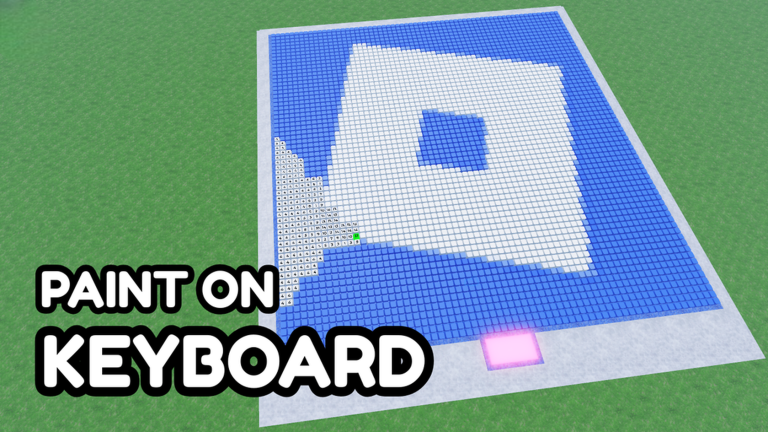
⬜ There’s something satisfying about pressing the keys... Here, every press fills in part of a picture! Each key is a colored pixel. Pick an image, load it onto your keyboard, and press the keys color by color as your artwork comes to life! 🎧 Satisfying ASMR key clicks ⬜ Every key is part of the picture 🖼️ Choose from tons of images 🌈 Follow the numbers and press 👥 Paint together with friends ✨ Share finished art in the global gallery 👍 Like the game if you enjoy it! What will your first keyboard masterpiece be? ✨ Inspired by Paint an Album & Paint Anything Tags: Keyboard Painting, Keyboard Painting by Numbers, Keyboard by Numbers
Comments (0)
Share a tip, ask a question, or tell other players which codes worked.
No comments yet. Be the first to share a tip or ask a question.