By Pear Game
Pick a Pear codes
No working codes listed right now. Check the latest updates below.
Working codes
Updated November 20, 2026
No working codes right now
Check back for new developer releases, or submit a code if you found one.
How to redeem codes in Pick a Pear
- Launch Pick a Pear on Roblox.
- Look for a Codes, Shop or settings button — usually on the side of the screen.
- Paste the code exactly as shown above. Codes are case-sensitive.
- Press redeem to claim your reward.
Codes may expire or require a certain level. If one fails, check the spelling and any in-game requirements.
Found a code we're missing?
Submit it and we'll verify it before it goes live.
About Pick a Pear
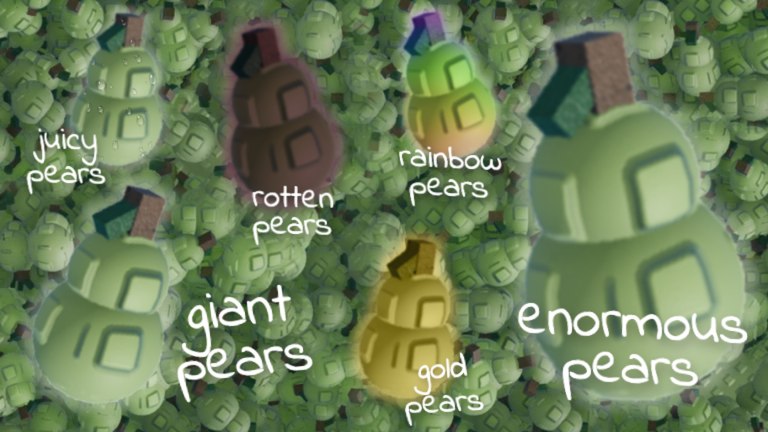
🍐 Welcome to Pick a Pear! 🍐 [How to pick pears] • Click on a pear, and watch your basket fill up with fresh pears! • Give your pears to Perry, then buy upgrades to pick even faster! • Make sure to sell your pears before leaving or they will rot in your basket! • If you get lucky, you may find a unique pear! [UPDATE 1.2] New Winter World ❄️☃️ New Pear Upgrades + New Basket Snowy Pears, Snowy Trees, Igloo, Snowball Fight Arena Visual Enhancements Rework of all effects for improved functionality and visuals Introduction of world biomes: Sunny, Autumnal, and Snowy Improved world design and environment Gameplay Improvements New Enormous pear Price Adjustments for Improved Game Progression Improved GUI functionality and responsiveness Fixed effects causing lag Pears no longer disappear if clicked with a full basket Fixed leaderboard functionality This game is still in beta! Errors, bugs, and progress loss are possible!
Comments (0)
Share a tip, ask a question, or tell other players which codes worked.
No comments yet. Be the first to share a tip or ask a question.