Working Pool Tycoon 4 Codes
Last updated August 21, 2026
No working codes right now
We're tracking Pool Tycoon 4 and will list codes here the moment the developers release them. If you spot one first, send it our way below.
How to redeem codes in Pool Tycoon 4
- Launch Pool Tycoon 4 on Roblox.
- Look for a Codes, Shop or settings button — usually on the side of the screen.
- Paste the code exactly as shown above. Codes are case-sensitive.
- Press redeem to claim your reward.
Codes expire without warning — if one fails, it was almost certainly pulled by the developer.
Found a code we're missing?
Submit it and we'll verify it before it goes live.
About Pool Tycoon 4
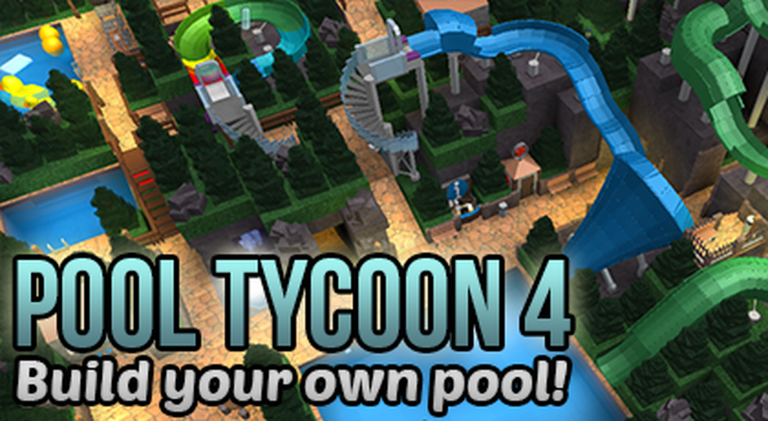
In Pool Tycoon 4 each player gets his/her own plot of land to construct their own dream pools on. Choose from hundreds of items and shape your pool the way you want. Latest version: v65. Try also Theme Park Tycoon 2: https://www.roblox.com/games/69184822/- TO SAVE MORE THAN ONE POOL: Reset your pool (Pool Properties -> Create a new pool), then save that pool without first loading another pool. Saving without having a pool loaded will save it as a new one (up to a maximum of 100 pools)! To rotate items press R or click that button in the right-bottom corner of your screen. You can use `!kick playername` to kick players from your own pool or `!goto mytycoon` to teleport to your own pool.