By temporarycurrent
Printer Simulator [Pets!] codes
No working codes listed right now. Check the latest updates below.
Working codes
Updated November 20, 2026
No working codes right now
Check back for new developer releases, or submit a code if you found one.
How to redeem codes in Printer Simulator [Pets!]
- Launch Printer Simulator [Pets!] on Roblox.
- Look for a Codes, Shop or settings button — usually on the side of the screen.
- Paste the code exactly as shown above. Codes are case-sensitive.
- Press redeem to claim your reward.
Codes may expire or require a certain level. If one fails, check the spelling and any in-game requirements.
Found a code we're missing?
Submit it and we'll verify it before it goes live.
About Printer Simulator [Pets!]
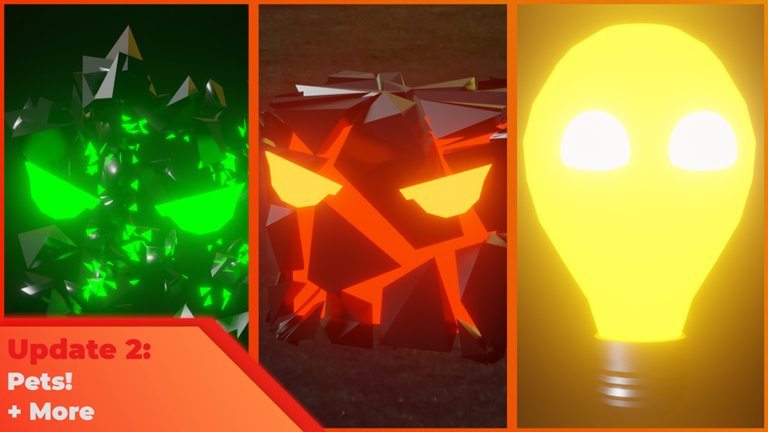
Update 2! 🎉 New features added! Use code “Update” for bonus cash! 🎁 (Early player badge still available!) Update 2: - PETS! Buy eggs and collect 20 different pets! - 6 New Printers 🖨 - New Pet shop building 🏪 - Added 5 new achievements 🏆 - UI Update 🖼 Welcome to Printer Simulator! Grab your printer and print as much paper as you can! 📄 - Sell your paper for cash and buy upgrades! - Print enough to open up portals to new worlds and collect bonus treasures! - Collect treasures around the map! - Buy Pet eggs and collect pets! - Compete with others and climb to the top of the leaderboards 🥇 Premium Benefits: - Faster Ink collection time (5 minutes instead of 10) Game version 1.2 (Update 2) (Printer Simulator is still in an early stage and will get updates to improve gameplay and add more features!)
Comments (0)
Share a tip, ask a question, or tell other players which codes worked.
No comments yet. Be the first to share a tip or ask a question.