By antilaarr
Project Corsa codes
No working codes listed right now. Check the latest updates below.
Working codes
Updated November 20, 2026
No working codes right now
Check back for new developer releases, or submit a code if you found one.
How to redeem codes in Project Corsa
- Launch Project Corsa on Roblox.
- Look for a Codes, Shop or settings button — usually on the side of the screen.
- Paste the code exactly as shown above. Codes are case-sensitive.
- Press redeem to claim your reward.
Codes may expire or require a certain level. If one fails, check the spelling and any in-game requirements.
Found a code we're missing?
Submit it and we'll verify it before it goes live.
About Project Corsa
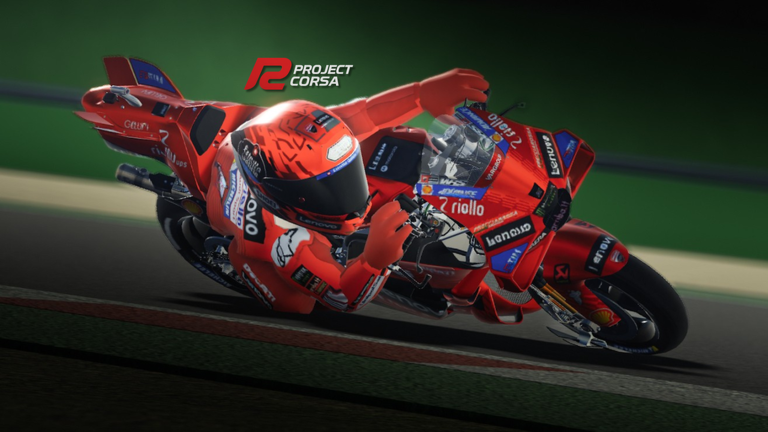
[THE GAME IS STILL IN DEVELOPMENT STAGE] Expect bugs, everything still has the possibility of change 🏆 There can be only one champion, are you? Default Controls: Keyboard: V - Change camera point of view C - Swap between cameras Shift + C - Freecam E/Q - Shift Up/Down Gear M - Change transmission (Auto/Semi-Auto/Manual) Shift - Rear Brake R - Toggle RHD (Rear Height Device) T - Toggle TCS Y - Toggle ABS G - Toggle Body Weight Gamepad: R1 - Rear Brake R2 - Throttle L1 - Clutch L2 - Front Brake B - Toggle RHD (Rear Height Device) Y/X - Shift Up/Down Gear Up - Change transmission (Auto/Semi-Auto/Manual) Down - TCS Right - ABS Left - Change camera point of view [COMING SOON] Custom Bike Modification Project Corsa Lap-Time World Record
Comments (0)
Share a tip, ask a question, or tell other players which codes worked.
No comments yet. Be the first to share a tip or ask a question.