by MiniJohnRoblos
John's Pizza Tower Testing Codes
Working John's Pizza Tower Testing Codes
Last updated August 20, 2026
No working codes right now
We're tracking John's Pizza Tower Testing and will list codes here the moment the developers release them. If you spot one first, send it our way below.
How to redeem codes in John's Pizza Tower Testing
- Launch John's Pizza Tower Testing on Roblox.
- Look for a Codes, Shop or settings button — usually on the side of the screen.
- Paste the code exactly as shown above. Codes are case-sensitive.
- Press redeem to claim your reward.
Codes expire without warning — if one fails, it was almost certainly pulled by the developer.
Found a code we're missing?
Submit it and we'll verify it before it goes live.
About John's Pizza Tower Testing
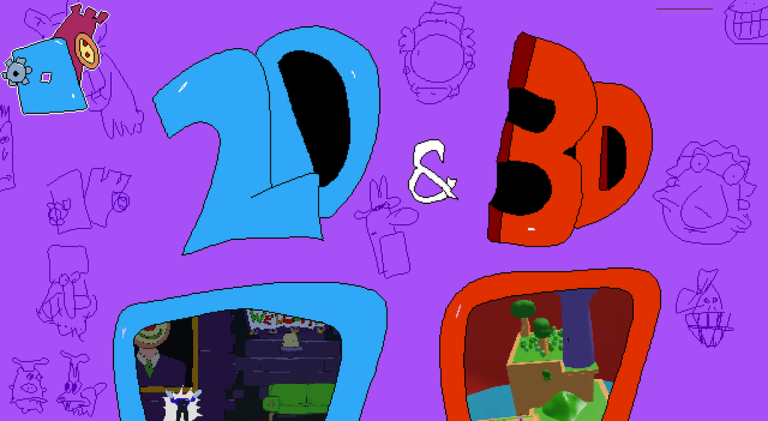
Modes: 2D: 3 full levels locked in a 2D camera. PVP: Fight others players and earn Pizza Tokens to buy emotes and other things in the shop. 1v1: Pick an opponent to fight, first to get 3 knockdowns wins. Roblox Group: https://www.roblox.com/groups/16543536 Servers shutdown for major updates Default Controls: Left Shift - Run R - Up E - Down F - Grab C - Taunt You can change these in the keybind settings The pizza tower soundtrack was composed by Ronan "Mr. Sauceman" and the pseudonymous ClascyJitto (also known as Frostix). More credits can be found in-game Tags (Read it's totally important): Pizza, Tower, Pizza, Peppino, Fake Peppino, Pizzaface, Noise, Pepperman, Vigilante, STOP, Gustavo, Doise, Brick, Testing, Test, Fighting, Platformer