Working Recovery Codes
Last updated August 22, 2026
No working codes right now
We're tracking Recovery and will list codes here the moment the developers release them. If you spot one first, send it our way below.
How to redeem codes in Recovery
- Launch Recovery on Roblox.
- Look for a Codes, Shop or settings button — usually on the side of the screen.
- Paste the code exactly as shown above. Codes are case-sensitive.
- Press redeem to claim your reward.
Codes expire without warning — if one fails, it was almost certainly pulled by the developer.
Found a code we're missing?
Submit it and we'll verify it before it goes live.
About Recovery
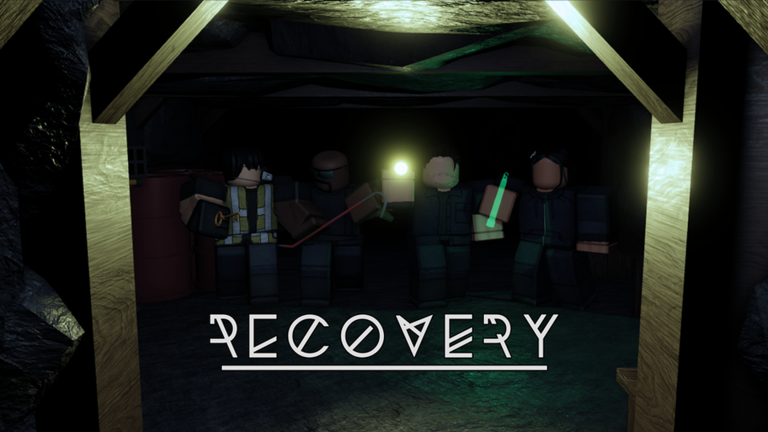
Due to a series of sudden workplace related accidents, Kisiner Mining Co. has decided to abandon one of their mines. You and up to 3 of your friends can play as the unlucky workers sent in to search for, and recover, any company property still remaining in the site. In their private servers, Premium users can start a lobby with more than 4 players. Only 4 can actually play, but the rest can spectate. Controls: 1, 2, 3, 4 - Equip/unequip item Left Click - Turn on/off item Left Shift - Sprint Q - Drop held item E - Interact/pick up item