By MagicMarket
Restaurant Simulator codes
1 working code to try. Find your reward and copy a code below.
Working codes (1)
Updated November 19, 2026
GREAT5Kand
Did it work?
How to redeem codes in Restaurant Simulator
- Launch Restaurant Simulator on Roblox.
- Look for a Codes, Shop or settings button — usually on the side of the screen.
- Paste the code exactly as shown above. Codes are case-sensitive.
- Press redeem to claim your reward.
Codes may expire or require a certain level. If one fails, check the spelling and any in-game requirements.
Found a code we're missing?
Submit it and we'll verify it before it goes live.
About Restaurant Simulator
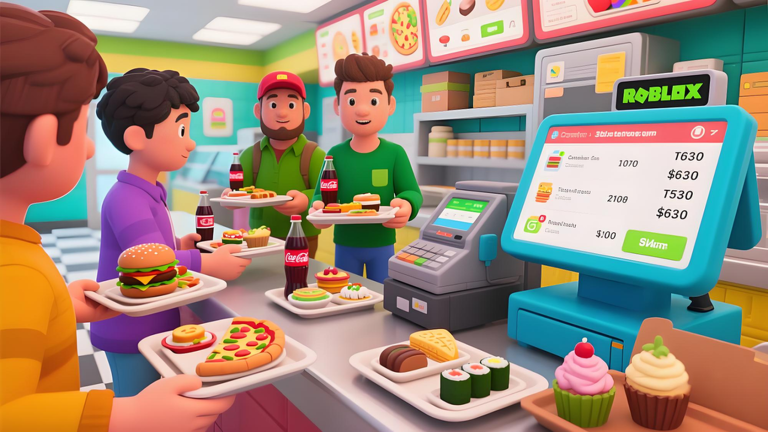
Welcome to Restaurant Simulator! In this engaging Roblox game, take charge of your own restaurant. Place orders for various dishes, watch your chef cook, stock dishes on shelves, and watch customers grab their meals and head to the cashier. Hire waiters and cashiers to streamline operations or design your unique eatery. Will you create the ultimate dining experience? Join now and start building your culinary empire! 🔥 Use code "Great5k" and LIKE the game for free reward!!! 👍 NEW CODE releases once the game gets 8000 LIKES!!! TAG: Restaurant Simulator, Tycoon
Comments (0)
Share a tip, ask a question, or tell other players which codes worked.
No comments yet. Be the first to share a tip or ask a question.