By Secondhand Studios
Retail Tycoon 2 codes
No working codes listed right now. Check the latest updates below.
Working codes
Updated November 20, 2026
No working codes right now
Check back for new developer releases, or submit a code if you found one.
How to redeem codes in Retail Tycoon 2
- Launch Retail Tycoon 2 on Roblox.
- Look for a Codes, Shop or settings button — usually on the side of the screen.
- Paste the code exactly as shown above. Codes are case-sensitive.
- Press redeem to claim your reward.
Codes may expire or require a certain level. If one fails, check the spelling and any in-game requirements.
Found a code we're missing?
Submit it and we'll verify it before it goes live.
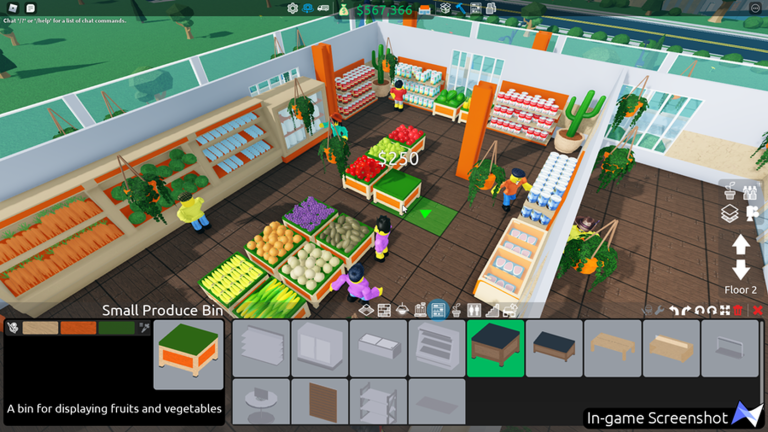
About Retail Tycoon 2
Thank you for 300 Million visits! 1.8.2.2 | 2025-05-14 📷 Fixed overhead camera shaking bug 🐛 Fixed mobile restocking bugs 1.8.2 | 2025-02-13 🎈 Added balloon decorations- heart shaped ones too! 🏠 Added a wooden fence decoration 🧻 Added paper goods as a sellable 🔐 New one-way gates gives you better control over your customers pathing 🛠️ Improved vehicle performance on low end devices 🐦 Check out our social links below to keep in touch 📝 Full Changelog: devforum.roblox.com/t/858524
Comments (0)
Share a tip, ask a question, or tell other players which codes worked.
No comments yet. Be the first to share a tip or ask a question.