By Apple Sandwich
Seas of Conflict codes
No working codes listed right now. Check the latest updates below.
52 playing34.1M visitsAction
Working codes
Updated November 20, 2026
No working codes right now
Check back for new developer releases, or submit a code if you found one.
How to redeem codes in Seas of Conflict
- Launch Seas of Conflict on Roblox.
- Look for a Codes, Shop or settings button — usually on the side of the screen.
- Paste the code exactly as shown above. Codes are case-sensitive.
- Press redeem to claim your reward.
Codes may expire or require a certain level. If one fails, check the spelling and any in-game requirements.
Found a code we're missing?
Submit it and we'll verify it before it goes live.
About Seas of Conflict
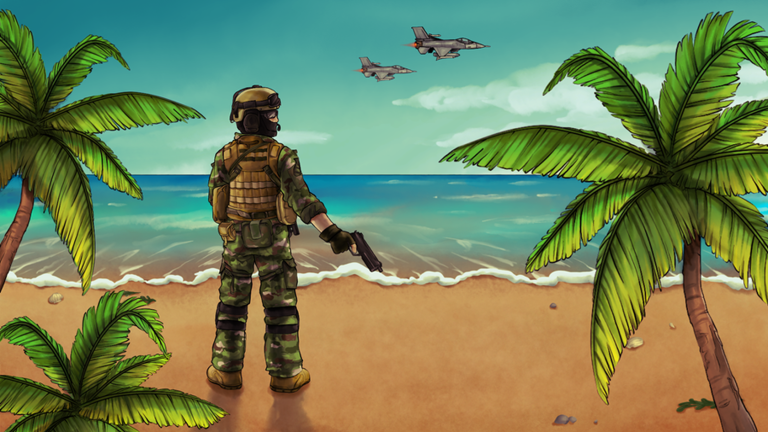
Face off against the greatest naval powers in the world! Can you change the tides of war? In this game, the United States and Chinese militaries battle for supremacy over the South China Sea. Join the group to receive a free Uzi for your loadout! Check out the bulletin board post for updates and private server commands. https://devforum.roblox.com/t/-/1969661
Comments (0)
Share a tip, ask a question, or tell other players which codes worked.
No comments yet. Be the first to share a tip or ask a question.